Google Play Screenshot Size & Requirements 2026 (1080×1920)
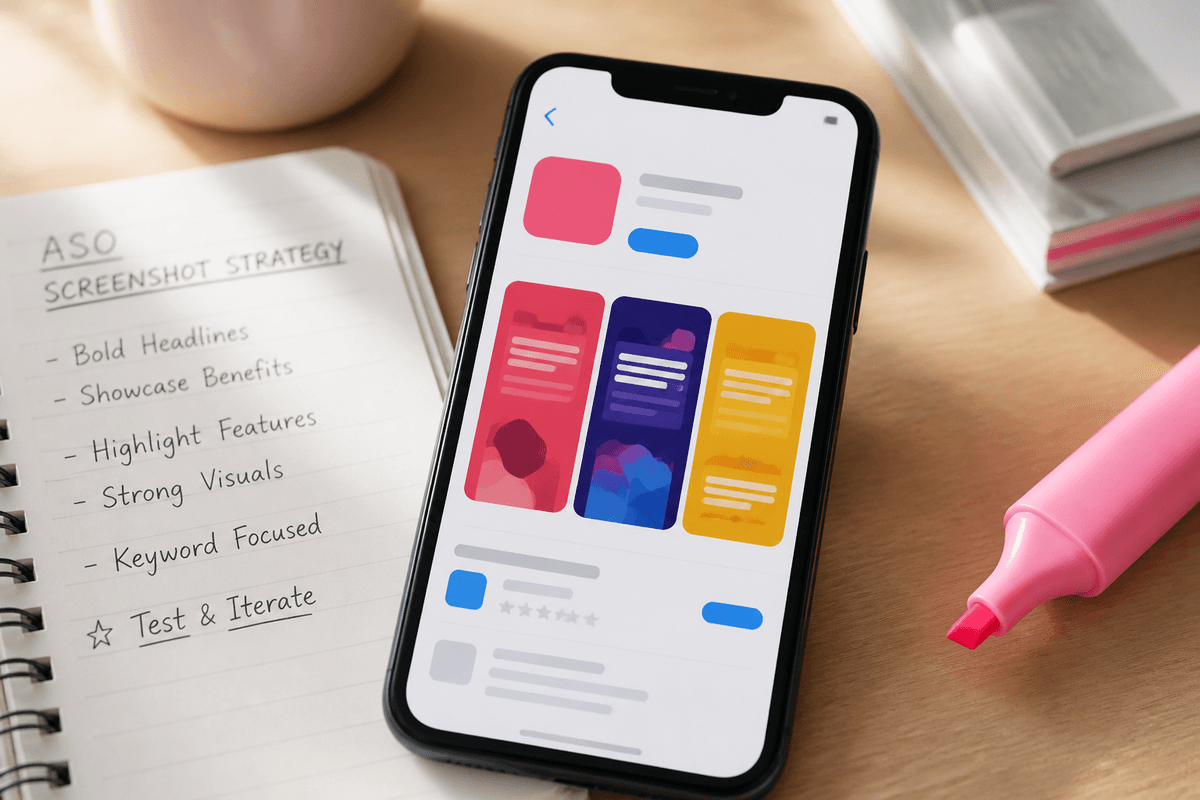
Google Play screenshot size and requirements for 2026: 9:16 1080×1920 phone sets, the 2.3:1 ratio limit, file rules, counts, feature graphics and ASO copy.
Blog
Kích thước ảnh, copy ASO, thiết kế — cộng closed testing và UI mobile xuất HTML, React, React Native.
Topic clusters
iPhone listing dimensions, benefit-led copy, slide order, localization, and export workflows for App Store Connect. Learn how to turn real product screens into a focused listing story.
Open clusterPlay StorePhone screenshot sizes, feature graphics, listing order, localization, and what to ship after your Play Store visuals are ready. Keep 1080×1920 phone screenshots separate from the 1024×500 feature graphic.
Open clusterASO craftBenefit-led headlines, AI versus designer workflows, localization checklists, and listing experiments for clearer store conversion. Use this hub to turn product truth into a repeatable creative system.
Open clusterMascot StudioTransparent mascot GIFs for onboarding, variant trees, style presets, and export workflows for in-app brand characters. Learn how to keep one character coherent across static and animated assets.
Open clusterMobile UI/UXDesign connected app screens from a prompt, then export HTML, React, React Native, and PNG renders for dev handoff. Use the flow to align product, design, and engineering before wiring production data.
Open clusterCần 12 tester cho Google Play closed testing?
StoreShots AI lo phần hình ảnh listing. Khi sẵn sàng, chạy closed testing trên TestMyApps.
Screenshot specs, copy, design, and launch workflows — written for teams shipping store listings.

Google Play screenshot size and requirements for 2026: 9:16 1080×1920 phone sets, the 2.3:1 ratio limit, file rules, counts, feature graphics and ASO copy.

Every App Store screenshot size Apple accepts in 2026 — iPhone 6.9-inch (1320×2868, 1290×2796, 1260×2736), older iPhones and iPad 13-inch — plus which one to export.

App store screenshot A/B testing with Apple PPO, custom product pages and Play experiments, plus a hypothesis framework so each test teaches you something.

App screenshot design best practices: hierarchy, thumbnail-legible type, contrast, backgrounds, device frames and safe areas, so your listing looks premium.

Play Store vs App Store screenshots compared: sizes, counts, ratio rules, display and UI conventions, plus what to share or split to ship both listings faster.

Seeing “The dimensions of one or more screenshots are wrong” in App Store Connect? Find the cause, check pixel sizes, and upload a set that passes first time.

How to make App Store screenshots step by step: pick sizes, capture clean screens, plan the story, design, export and upload a set that wins more installs.

App store screenshot examples as 12 reusable patterns, with when each works, which app categories suit it and the pitfalls, so you can plan a set that converts.

Write app store screenshot copy that converts: headline formulas, 3–7 word length rules, 48 caption examples, and rewrites that make every slide clear.

Honest AI app screenshot generator workflow: prep real captures, preview, generate, review, revise and export, with credit math so you ship store sets faster.

No: StoreShots AI at storeshotsai.com and the open-source project at storeshots.org are unrelated products with different makers, workflows, and pricing models.

Compare StoreShots AI and AppScreens by input, editing, device coverage, localization, upload, pricing, and the type of launch each workflow suits.

Compare StoreShots AI and ScreenshotWhale by inputs, store sizes, editing, localization, feature graphics, exports, pricing, and launch fit.

A factual 2026 comparison of StoreShots AI, AppLaunchFlow, AppScreens, ScreenshotWhale, AppScreenshotStudio and storeshots.org by workflow, output and price.

Use AI-generated mascot GIFs on welcome screens, empty states, and success moments. StoreShots Mascot Studio branches variants and exports transparent animation loops.

Stale Play Store screenshots and empty ratings cost installs after launch. Refresh listing visuals with StoreShots, then add public reviews on TestMyApps.

Design a multi-screen mobile app UI from one prompt, then export HTML, React, and React Native code plus high-fidelity renders — without starting in Figma.

A practical workflow for AI mobile UX: write a brief, plan connected screens, generate on a canvas, then export HTML, React, and React Native for development.

Compare AI app screenshot makers and traditional designer workflows — cost, speed, quality, and when to use a hybrid approach for App Store and Play Store listings.

Listing visuals come first — then 12 opted-in testers for 14 days. How StoreShots AI and TestMyApps fit into one Android launch workflow.

A practical slide-by-slide order for iOS App Store screenshots — what to show first, how many slides you need, and how to align headlines with visible UI.

A pre-flight checklist for dimensions, file types, slide order, copy accuracy, and policy-safe visuals — so your listing does not bounce on a technicality.

Google Play uses a feature graphic and up to eight phone screenshots. Learn sizing, messaging split, and how to keep both assets visually consistent.

Locale-specific headlines, longer translated strings, and export sizes — a workflow for multilingual store listings that stay readable on small screens.
Tải ảnh iOS hoặc Android cho App Store 1290×2796 và Play Store 1080×1920, hoặc thiết kế UI rồi xuất HTML, React và React Native.