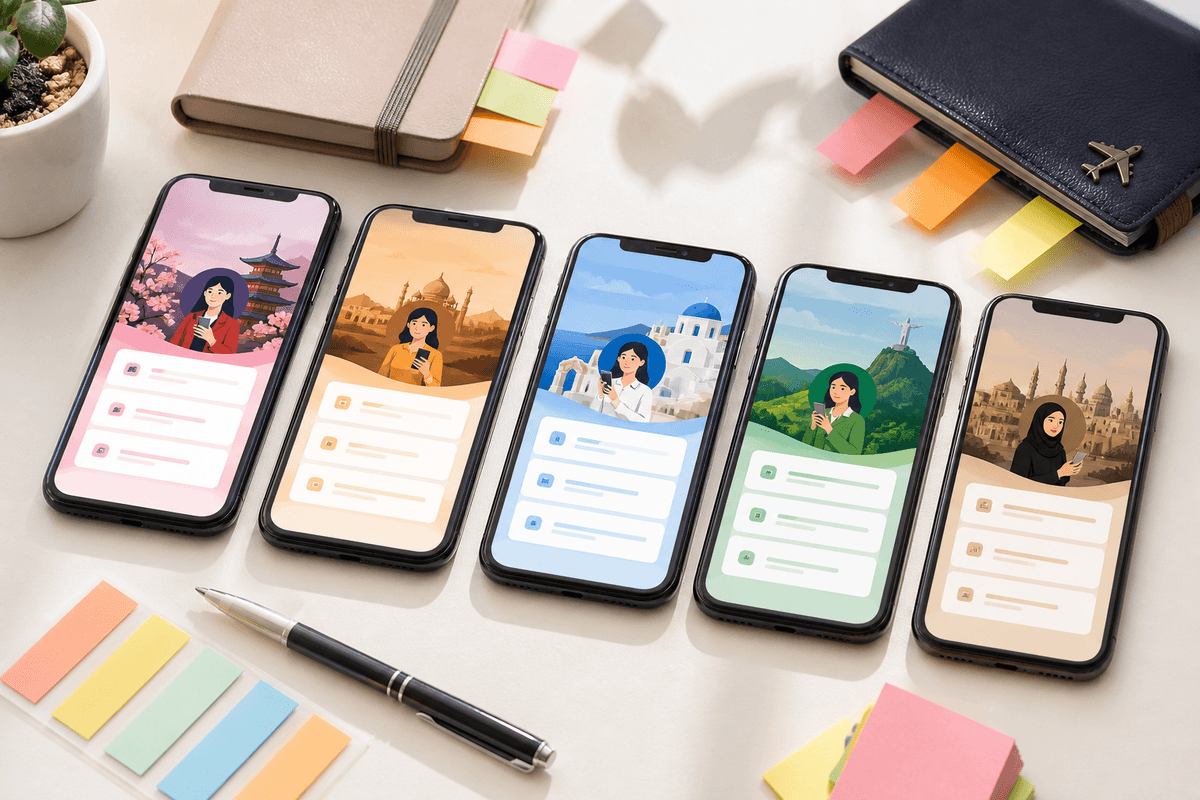
Translating your store listing title and description but leaving English screenshots sends mixed signals — and wastes conversion in non-English markets. Localized screenshots show that the product respects the user's language.
The hard part is layout: German headlines run long. Thai line breaks differ. Manual Photoshop overlays break the moment you add a second locale.
What to localize first
- Slide headlines and subtext on every screenshot
- On-screen callouts only if they are marketing overlays you control
- Keep raw in-app UI in the user's language if your app supports it — capture locale-specific builds when possible
- Feature graphic hook text for Google Play
Workflow with StoreShots AI
Create one project from your master captures. Generate the English set first and validate slide order. Then regenerate headline copy per target language while locking layout, colors, and export dimensions.
Each locale in App Store Connect and Google Play Console can reference its own screenshot set at the correct size — 1290 × 2796 for iPhone 6.7" and 1080 × 1920 for Play Store phones.
- Do not stretch one language's PNG into another locale slot
- Shorter headline variants help languages that expand in translation
- Re-export is free after generation — iterate copy without re-buying credits for downloads
SEO and hreflang alignment
Pair localized screenshots with localized store metadata and marketing pages. Crawlers and users should see the same language across your public site, listing copy, and visual assets.
StoreShots AI publishes locale-aware marketing URLs (/es/, /pl/, etc.) with hreflang alternates so search engines connect language variants of your product pages.
FAQ
Questions about this topic
Must I localize screenshots for every country?
Prioritize locales that drive installs today plus strategic markets you are actively entering. Perfect coverage is less important than strong native-language hero slides in your top three regions.
Sources
Official references used
- Screenshot specifications (Apple App Store Connect Help)
- App Store product page (Apple Developer)
Continue
Choose the next step
Related