Mobile UI / UX
Lumina Spaces
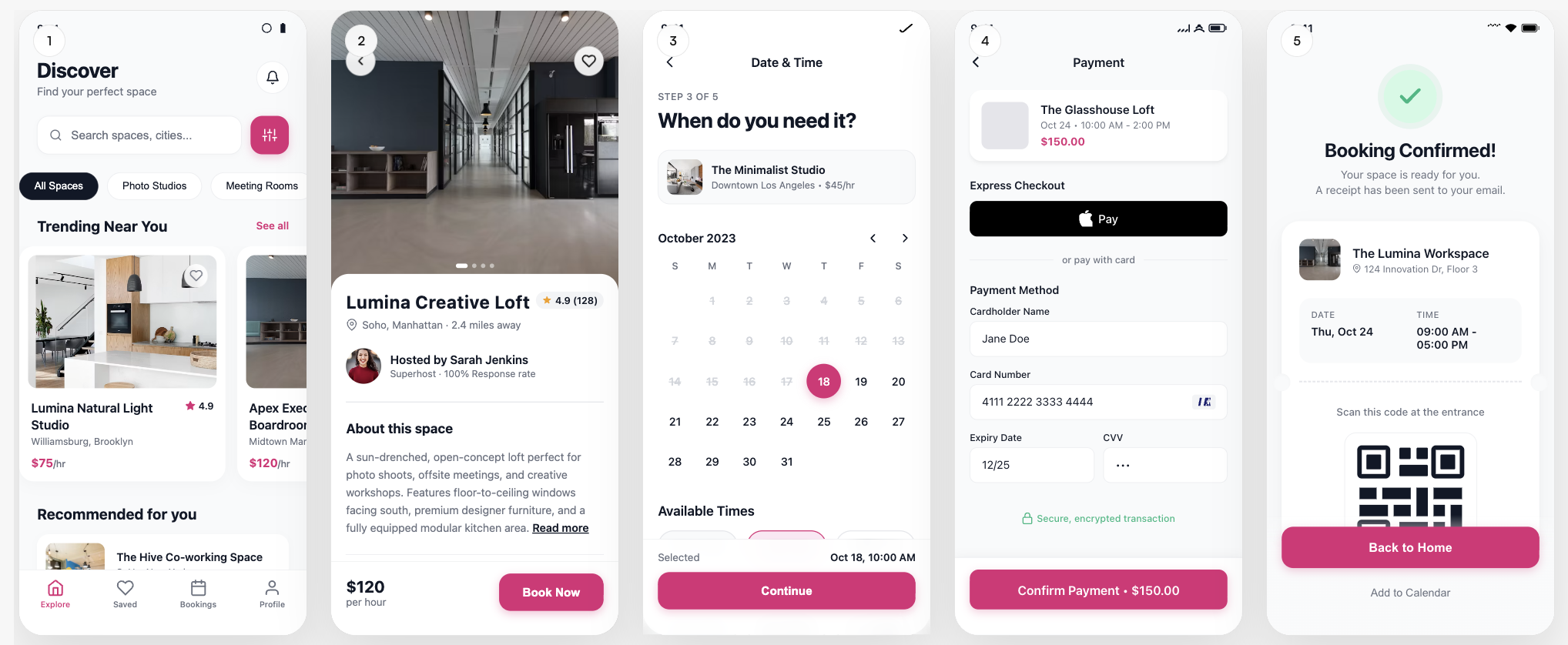
Space-booking app — Discover, listing, date & time, payment, and booking confirmation in one generated flow.
Full screen flow

StoreShots AI creative studio
Turn real app screens into store creatives, or design your mobile UI from a prompt.
StoreShots for launches
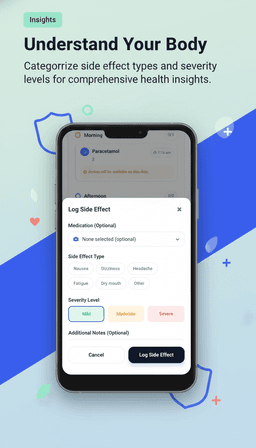
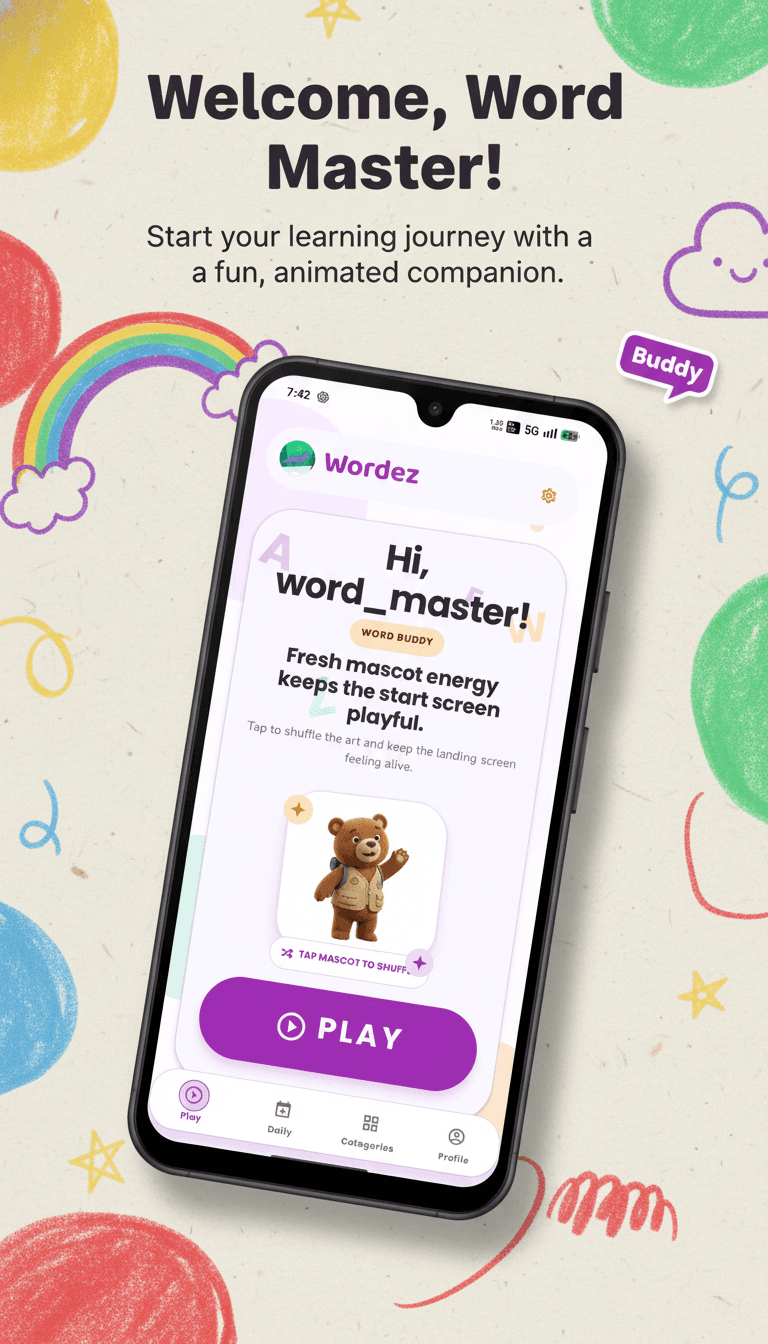
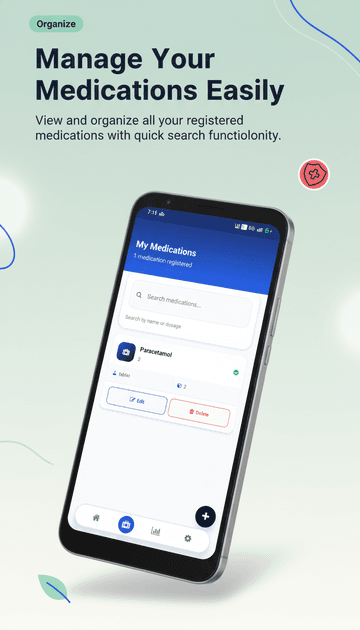
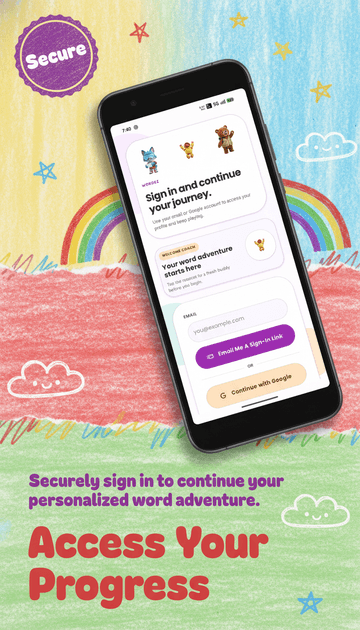
Turn the screens you already have into a complete App Store or Google Play story—without rebuilding your product in a design file.
Create screenshot setStore story
One creative conversation
Describe the outcome, attach references when you have them, and refine the result through the same chat.
Benefit-led iOS screenshot sets with consistent framing and copy.
Android-ready compositions sized and ordered for your listing.
Design coherent product screens before the app has been built.
StoreShots assistant
I’ll build a coherent iOS listing story from the screens you attached.
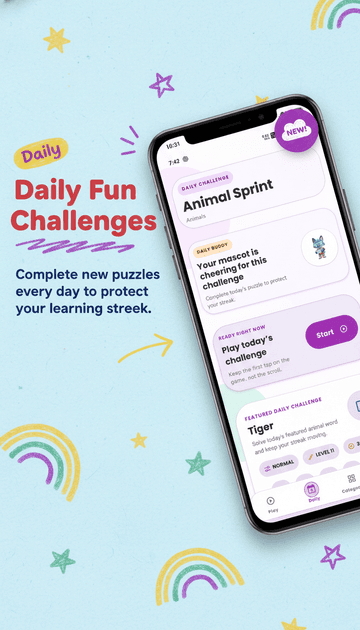
Make the opening slide brighter and use a shorter headline.
Simple, flexible credits
Create for one release or a whole roadmap. Buy only what you need and keep every unused credit for later.
One-time packs with no monthly renewal or seat charge.
Every pack unlocks the same generation, revision, and export tools.
Pause between launches without losing what you already purchased.
From idea to interface
Start with a product description and optional references. StoreShots plans the flow, creates the screens, and keeps the visual language connected.
Typography, color, spacing, and components stay related across the flow.
Watch every screen appear on the canvas, then refine it without losing context.
Export polished screens and continue the project in your workspace.
Mobile UI samples
Generated screen flows, shown as-is
Samples
Full screen flows shown as generated — not cropped or rebuilt. Same credit packs you can buy today.
Mobile UI / UX
Space-booking app — Discover, listing, date & time, payment, and booking confirmation in one generated flow.
Full screen flow
Mobile UI / UX
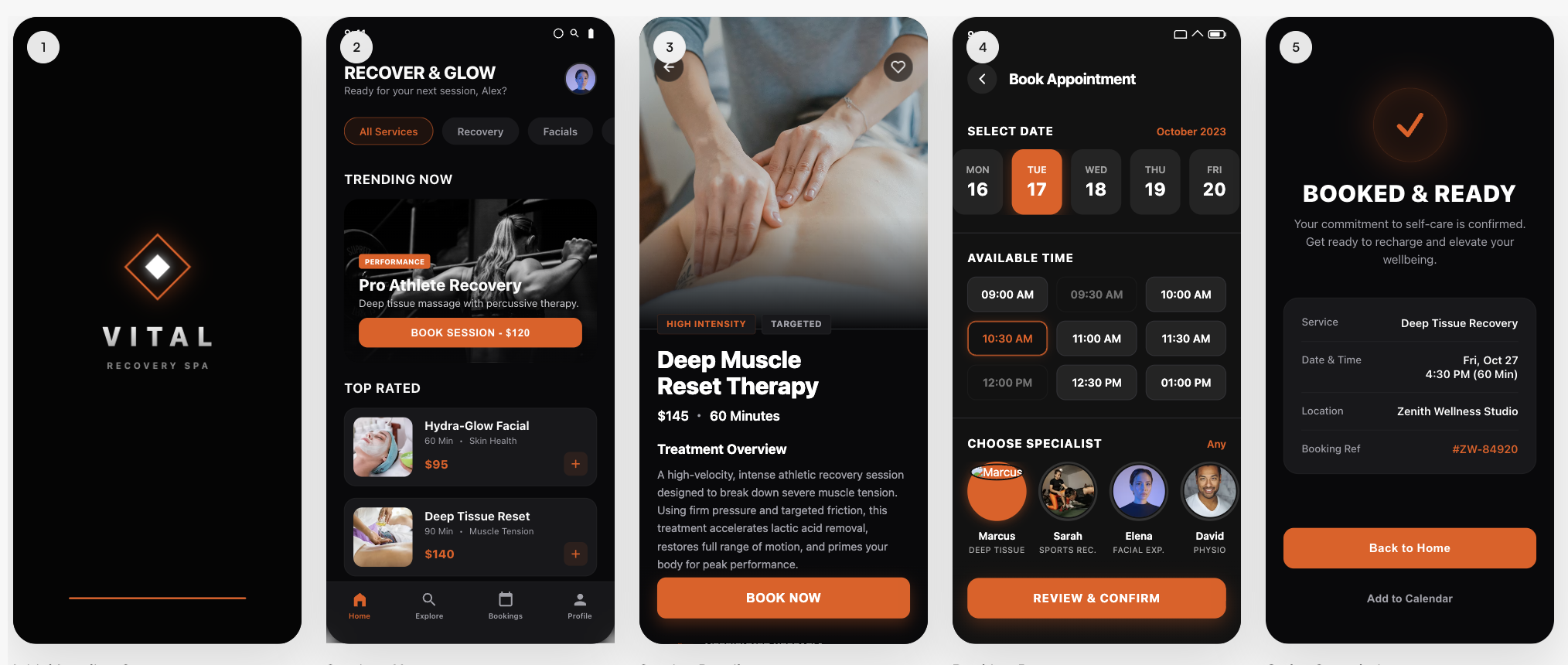
Wellness studio booking — home, service detail, time selection, checkout, and confirmation.
Full screen flow
StoreShots AI
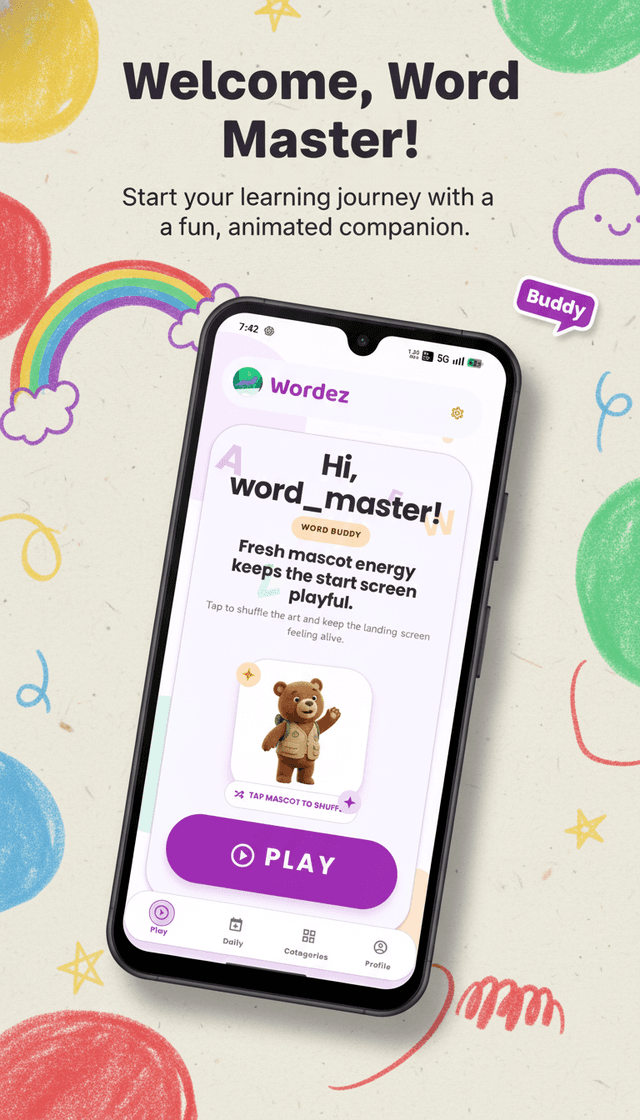
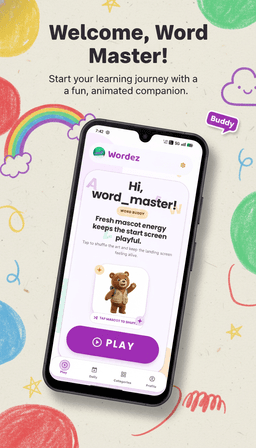
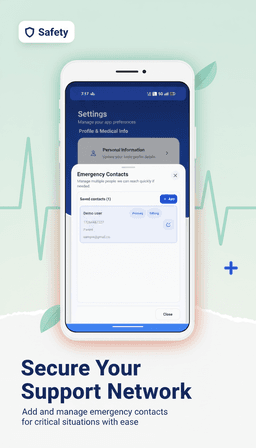
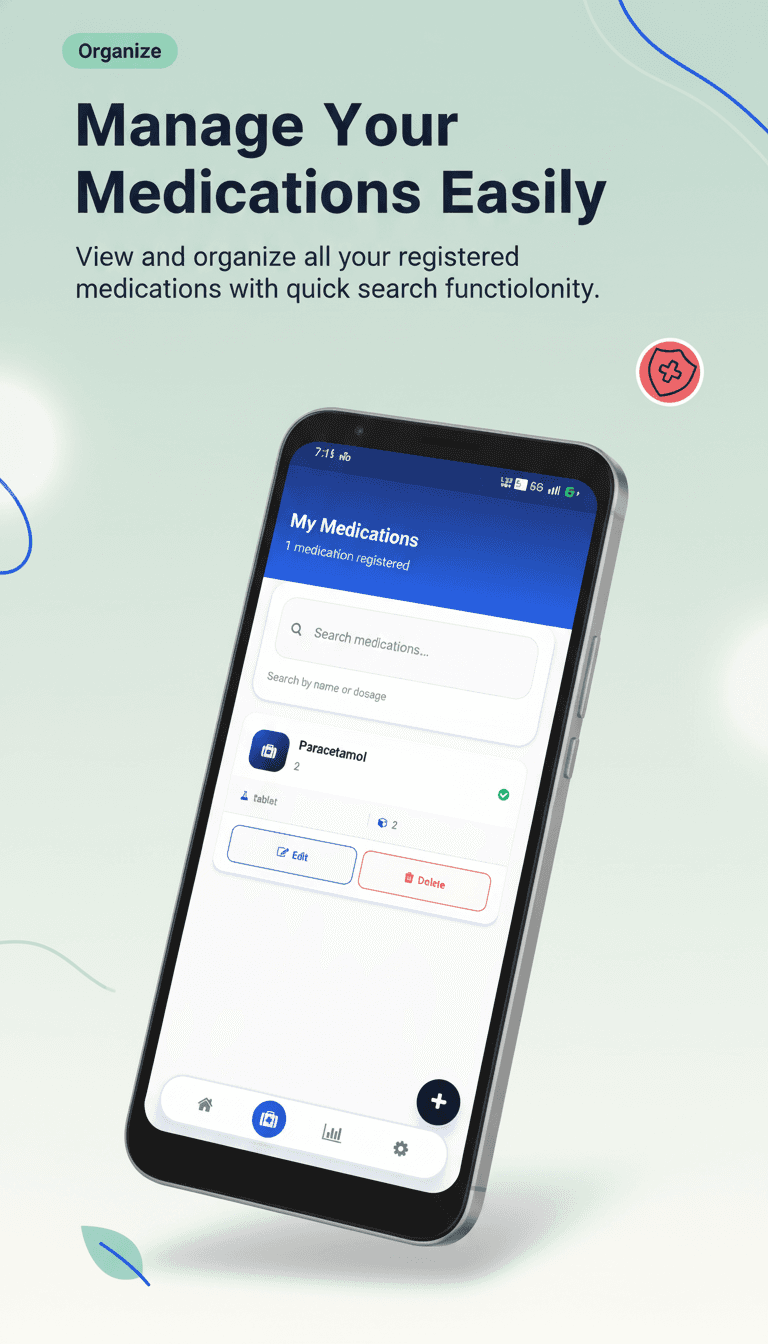
A StoreShots pack generated from real app screens — ASO headlines, device frames, and store-sized PNGs.
5 screens
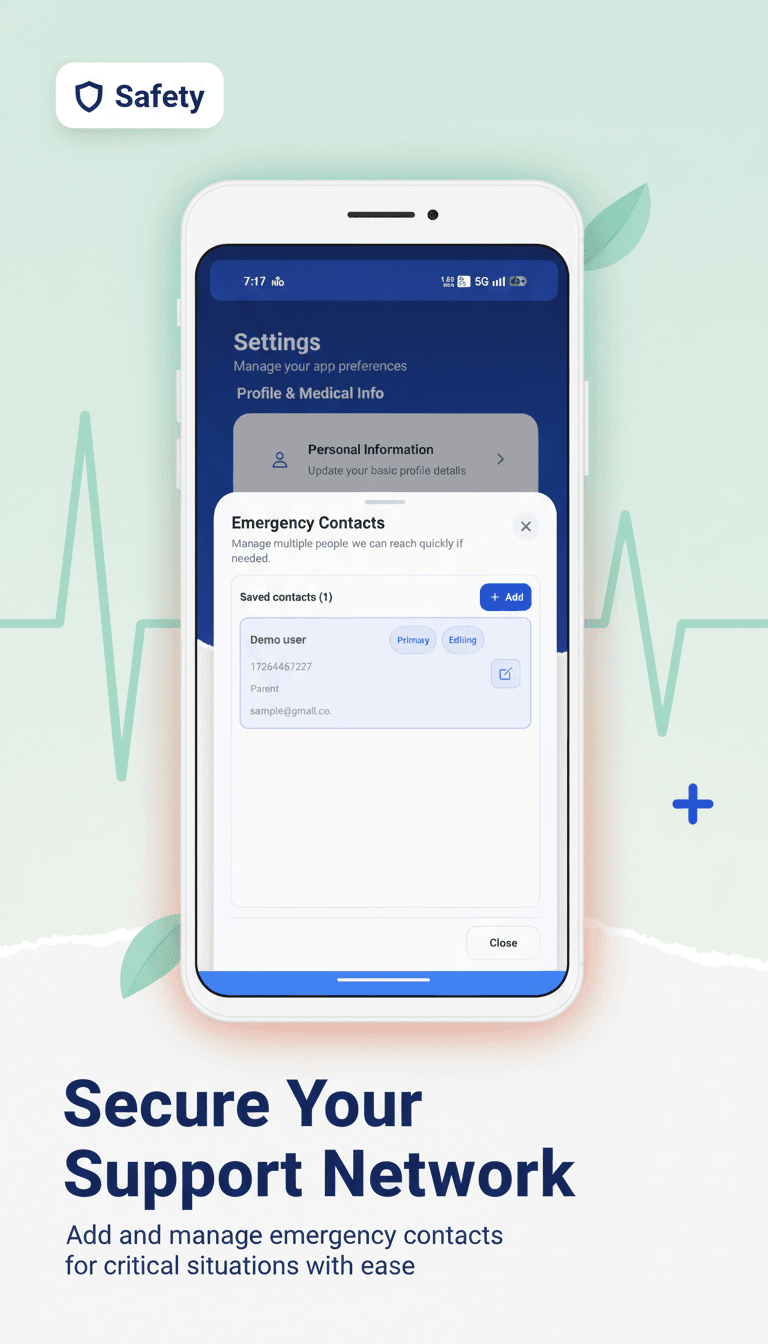
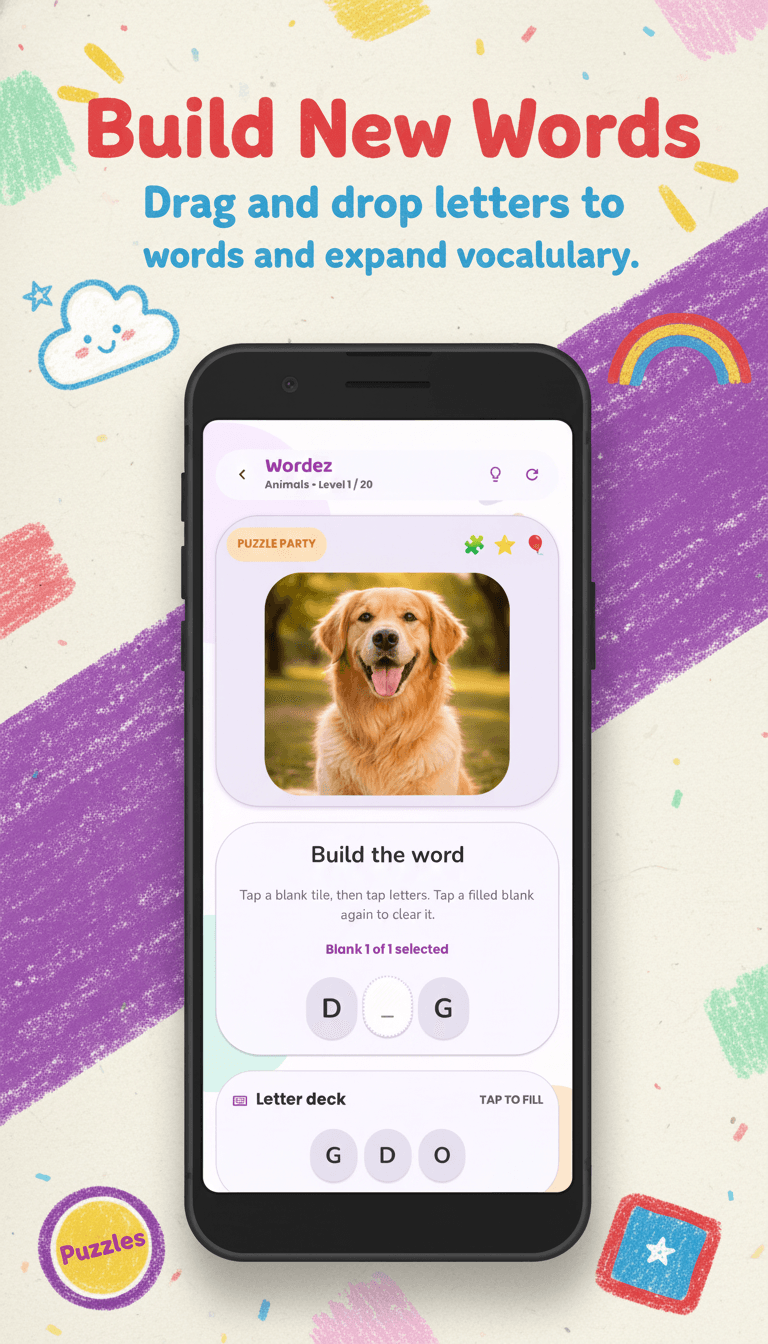
StoreShots AI
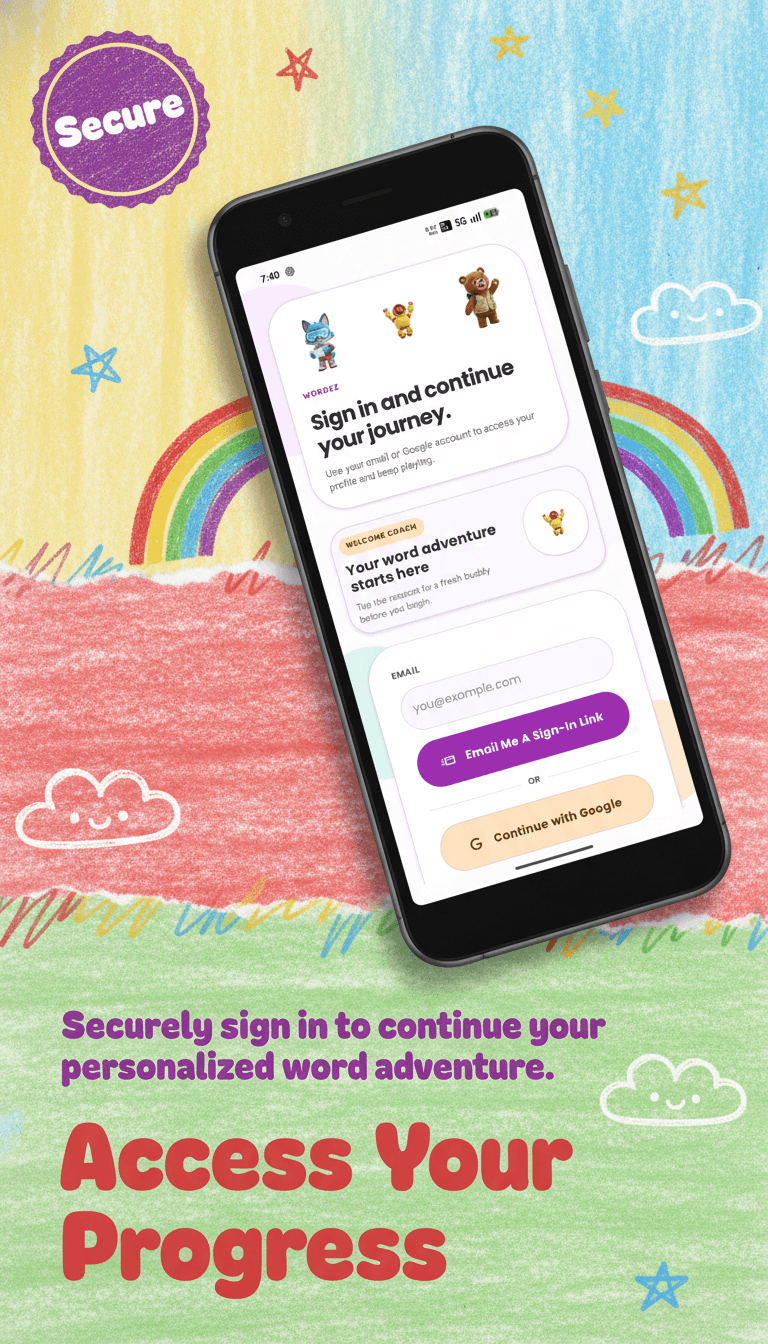
Another generated screenshot set. Export as an ordered ZIP for App Store and Play Store.
3 screens
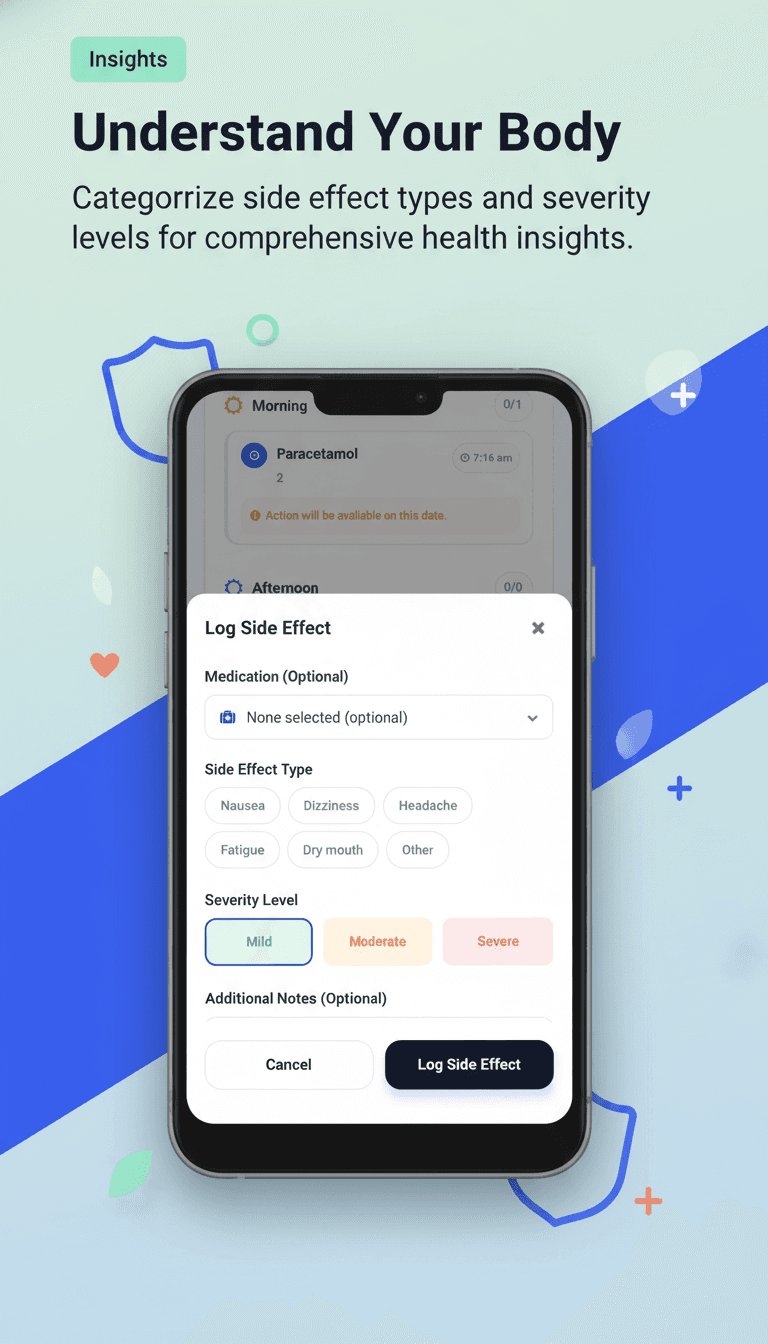
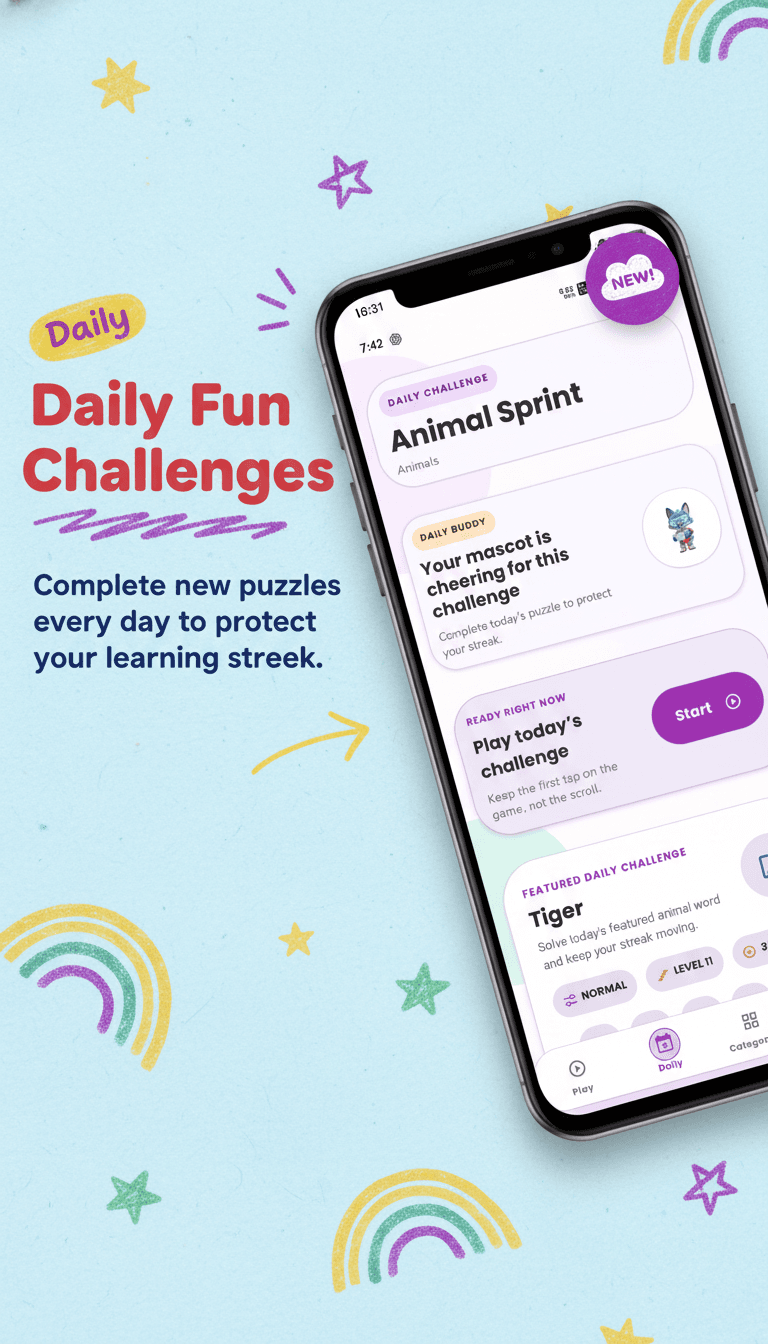
Exports
Move from one creative workspace to the formats your launch needs—without rebuilding or renaming every slide.

Starter is $10 for 25 credits. Studio is $18 for 50. Credits never expire.
Starter — 25 credits
One-time credit pack
one-time · 25 credits
$0.40/ credit
Buy 25 credits25 credits — 25 credits for StoreShots listings and Mobile UI screens.
StoreShots AI
Mobile UI / UX
Both products
Studio — 50 credits
One-time credit pack
one-time · 50 credits
$0.36/ credit
Buy 50 credits50 credits — 50 credits — best value for a launch plus UI screens.
StoreShots AI
Mobile UI / UX
Both products
Compare packs
| Usage | Starter — 25 credits | Studio — 50 credits |
|---|---|---|
| Credits | 25 | 50 |
| Price | $10 | $18 |
| StoreShots ZIP export | ||
| Mobile UI HTML, React, React Native | ||
| Credits expire | Never | Never |
Each generated screenshot uses the configured workspace credit rate. Purchases are one-time.
Generators
1290×2796 iPhone listings with AI ASO headlines from real app screens.
1080×1920 Google Play screenshots, then export App Store size from the same pack.
Prompt connected screens, then export HTML, React, and React Native plus PNGs.
FAQs
We’re here to help with plans, credits, and how generation works.
No. Your uploaded screen remains the UI source and is composed locally inside the device area; marketing artwork is created around it.
Yes. Choose iOS or Android when you create the project, then export the required store-ready PNG set.
Yes. Open any slide, revise it through the assistant, inspect previous versions, and export the updated pack.
No. StoreShots uses one-time credit packs, so unused credits remain available for future releases.
StoreShots AI: listing screenshots, ZIP export, and store-sized PNGs. Mobile UI/UX: HTML, React, and React Native code plus screen renders. Packs only differ by credit count.
Yes. Open Mobile UI/UX, describe the app, generate connected screens on a canvas, and export HTML, React, and React Native plus PNG renders. One credit equals one UI screen or one store slide.
Start from a prompt or the screens you already have. Leave with listing PNGs or HTML, React, and React Native.
© 2026 StoreShots AI. All rights reserved.