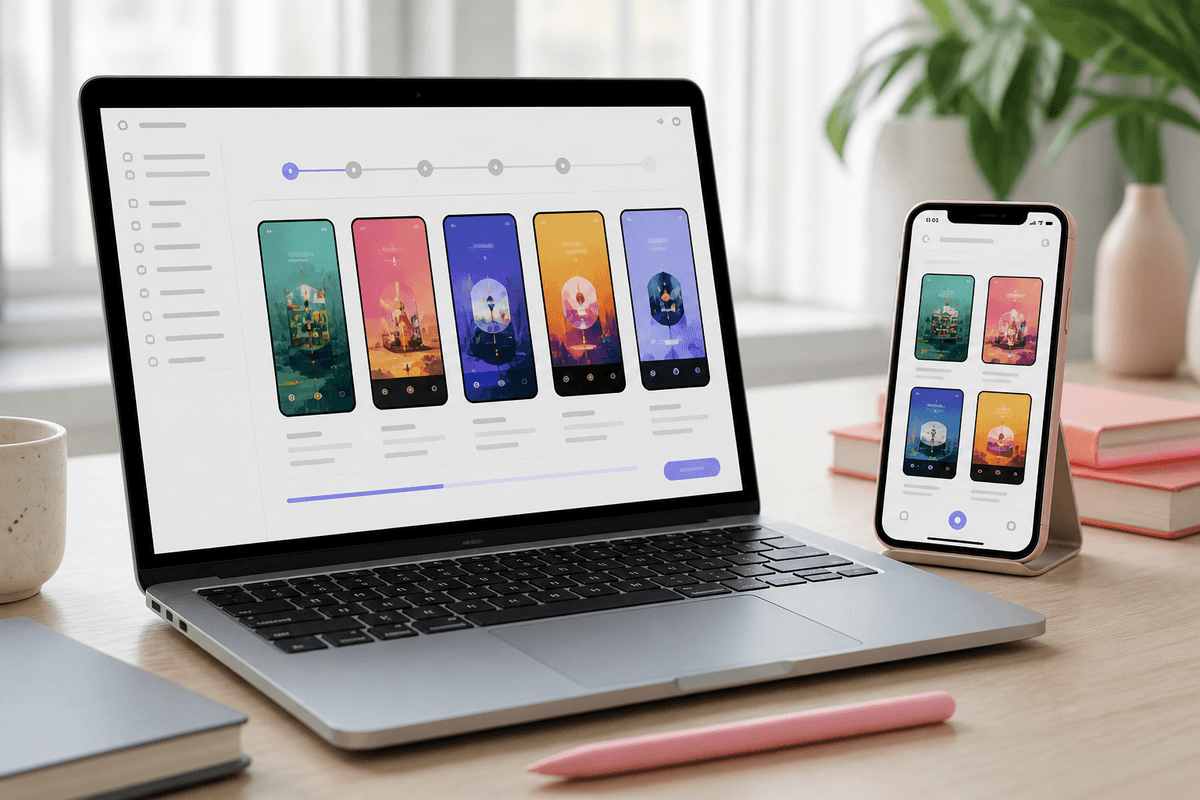
There is no universal best AI app store screenshot generator. The right choice depends on whether you need a hosted multi-studio wallet, a full launch workspace, localization and direct upload, a Play feature graphic, an agent-friendly API, or an open-source BYOK workflow.
This roundup compares six options searched by indie developers in 2026. It uses public product pages checked on September 20, 2026. Where a competitor does not clearly document a feature, this article says not publicly specified instead of treating absence as proof.
Quick picks by launch job
- AI multi-studio (screens + UI + mascot) → [StoreShots AI](https://storeshotsai.com). One wallet for listing packs, Mobile UI code export, and mascot assets.
- Full launch workspace (screens + ASO + video) → [AppLaunchFlow](https://www.applaunchflow.com). Broader launch assets and publishing workflow.
- Localization-heavy or direct upload → [AppScreens](https://appscreens.com). Template/canvas workflow with paid localization and upload paths.
- One-off launch with a Play feature graphic → [ScreenshotWhale](https://screenshotwhale.com). Screenshots plus a dedicated 1024×500 flow.
- Chat or agent-driven iteration → [AppScreenshotStudio](https://appscreenshotstudio.com). Chat-first workflow with REST/MCP features on paid tiers.
- Free OSS, self-host, or BYOK → [storeshots.org](https://storeshots.org). Unrelated to StoreShots AI; evaluate its own license and docs.
StoreShots AI
StoreShots AI is a hosted ClyroLabs creative studio. Upload real product screens for listing art; the service maps the story, adds ASO-oriented headlines and surrounding composition, and exports App Store 1290×2796 or Play phone 1080×1920 PNGs in an ordered ZIP. The uploaded UI remains the source; StoreShots does not redraw it.
The same wallet covers Mobile UI exports in HTML, React, React Native, and PNG, plus mascot base/variant PNGs and GIF loops. Starter is $10 for 50 credits and Studio is $18 for 100 credits; credits never expire.
- Best for: a bursty indie launch needing screenshots plus UI/code or mascot assets.
- Limits: no dedicated Play 1024×500 feature graphic, no listing submission, and no automatic localization promise.
How the other tools differ
- AppLaunchFlow: an AI-assisted launch workspace for screenshots, ASO copy, promo video, icons, mockups, localization, and related assets. The checked pricing listed a free preview, €9 Launch Pass for seven days, and €15/month or €99/year Unlimited.
- AppScreens: templates or blank canvas with responsive multi-device exports, paid localization, AI captions/restyling, and direct App Store Connect/Google Play upload paths. Checked annual pricing listed Free, Pro $99/year, and Scale $180/year.
- ScreenshotWhale: AI or template screenshot creation, marketed 22 device sizes, paid translation, and a dedicated 1024×500 Play feature graphic. Checked pricing listed Free, Solo $9.99/month, Studio $19.99/month, Agency $29.99/month, and a $14.90 Launch Pack.
- AppScreenshotStudio: chat-first screenshot generation with canvas editing and REST/MCP features on Growth/Pro. Public pricing and credit details varied between pages, so confirm checkout.
- storeshots.org: an unrelated AGPL-3.0 browser project with BYOK/self-host positioning. Use its official repository and license as the source of truth; do not attribute its features or pricing to StoreShots AI.
How to choose without overbuying
Start with StoreShots samples and pricingSee the official credit model before you choose a launch workflow.- Start with the input: existing product screens point to a screenshot workflow; no usable screens points to Mobile UI or a prompt-first tool.
- Confirm output: phone screenshots, tablet sizes, and Play feature graphics are different deliverables.
- Calculate total cost: compare a five-slide launch, the number of locales, revisions, and how often the listing changes.
- Check handoff: decide whether you need manual upload, direct store upload, code export, REST/MCP, or self-hosting.
- Review the final files and claims yourself. No generator removes store-policy, accessibility, or product-truth checks.
FAQ
Questions about this topic
What is the best AI app store screenshot generator in 2026?
It depends on the job: StoreShots for screenshots plus Mobile UI and mascots, AppLaunchFlow for broader launch assets, AppScreens for localization/upload, ScreenshotWhale for feature graphics, AppScreenshotStudio for chat/MCP, and storeshots.org for open-source/BYOK control.
What sizes does StoreShots export?
App Store phone listings at 1290×2796 and Play phone screenshots at 1080×1920. StoreShots does not currently generate a dedicated 1024×500 Play feature graphic.
Does StoreShots export React Native?
Yes. Its Mobile UI workflow exports HTML, React, React Native, and PNG renders as engineering starting points.
Do StoreShots credits expire?
No. Starter is $10 for 50 credits and Studio is $18 for 100 credits; credits never expire.
Is StoreShots AI the same as storeshots.org?
No. StoreShots AI is the hosted ClyroLabs product at storeshotsai.com. storeshots.org is an unrelated open-source project; read the dedicated disambiguation guide.
Sources
Official references used
- AppLaunchFlow (AppLaunchFlow)
- AppScreens (AppScreens)
- ScreenshotWhale (ScreenshotWhale)
- AppScreenshotStudio (AppScreenshotStudio)
- storeshots.org (Official project site)
- StoreShots AI pricing (ClyroLabs)
Continue
Choose the next step
Related