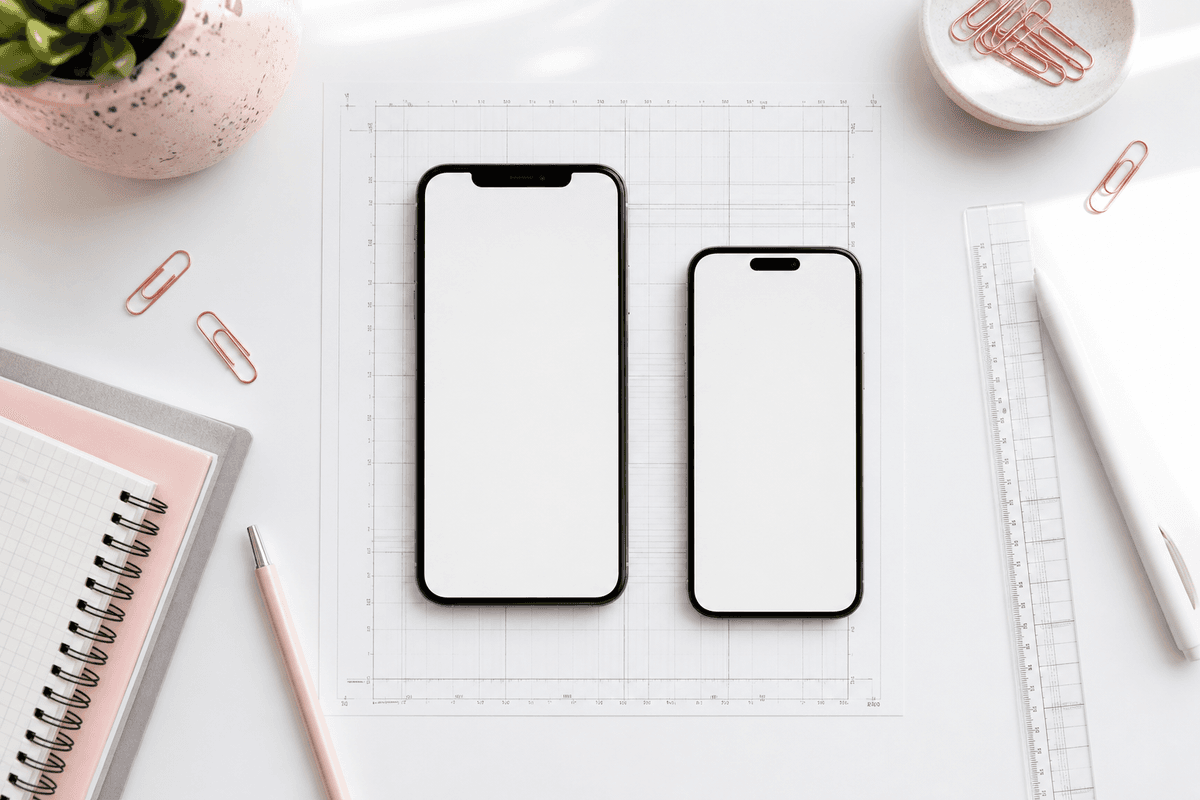
Apple App Store Connect accepts multiple device classes, but most indie teams ship a single iPhone 6.7" portrait set at 1290 × 2796 pixels. That size scales cleanly across modern iPhones in the storefront.
Like Play Store listings, your first screenshot gets the most visibility. Put your clearest benefit-led headline on slide one and show the product immediately — not a logo splash.
Standard iPhone portrait export
- 6.7" display: 1290 × 2796 px (recommended default)
- 6.5" legacy: 1284 × 2778 px — only if you maintain separate assets
- Up to 10 screenshots per localization
- PNG preferred for crisp type and gradients
Localization and copy
Each locale can have its own screenshot set. If you translate headlines, regenerate slides rather than overlaying text in Photoshop — misaligned type breaks quickly across languages.
StoreShots AI lets you regenerate headline copy per slide while keeping layout, brand color, and export size locked.
For markets where you invest in App Store Optimization, localized screenshots often outperform translated metadata alone because users see the product in their language before install.
iPad and other size classes
If you support iPad, Apple accepts separate screenshot sets for 12.9" displays. Many teams ship iPhone-first, then expand iPad assets once core iPhone conversion is proven.
When you add iPad, keep the same story order as iPhone — outcome first, workflow second — but use captures that reflect the tablet layout rather than stretched phone UI.
- 12.9" iPad Pro: 2048 × 2732 px portraits (when you maintain iPad listings)
- Reuse narrative structure across iPhone and iPad sets
- Do not upscale iPhone PNGs to iPad dimensions
FAQ
Questions about this topic
Do I need separate screenshots for every iPhone size Apple lists?
Most teams standardize on the 6.7" 1290 × 2796 set. Apple scales appropriately in the storefront for modern devices. Maintain additional size classes only if you target legacy devices explicitly.
PNG or JPEG for App Store screenshots?
PNG preserves crisp type and gradients. JPEG is acceptable for photo-heavy slides but can band on soft gradients. StoreShots AI exports PNG by default at store-ready dimensions.
Sources
Official references used
- Screenshot specifications (Apple App Store Connect Help)
- App Store product page (Apple Developer)
Continue
Choose the next step
Related