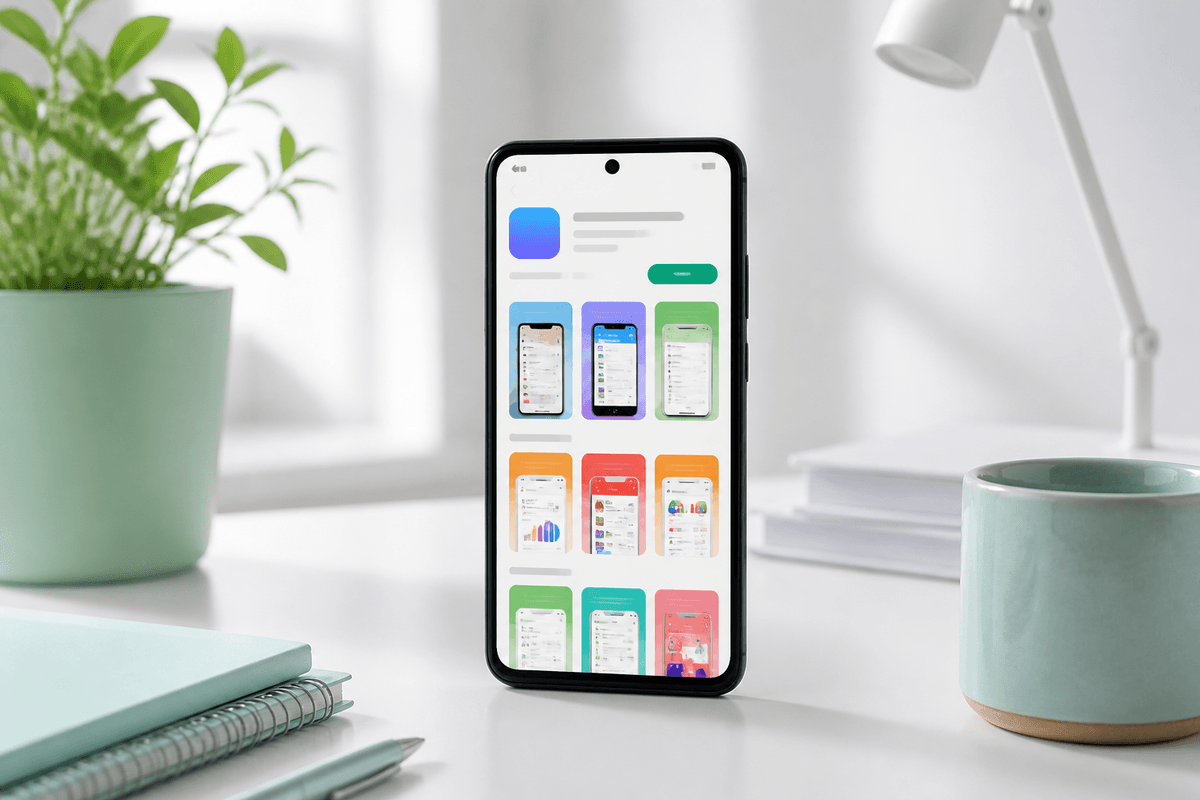
Closed testing gets an affected personal account to production. After the app is public, listing performance is a different job. Shoppers still decide from screenshots and stars. If the carousel shows an old onboarding flow, or the page has no ratings, they leave.
StoreShots AI is the screenshot service for that live listing. TestMyApps is our other service for the same app — closed testing first, then public reviews and ratings once you are live. Use both. Do not treat launch day as the last time the store page changes.
Generate Play Store screenshotsUpload current captures and export 1080 × 1920 listing PNGs.What listing performance actually means
Play Console reports impressions, store listing conversion, and uninstalls. Screenshots sit in the first decision: the search result and the product page header. Reviews sit in the second: whether the page feels trusted enough to install.
Refreshing screenshots after a UI change, a new core flow, or a positioning shift is the highest-leverage creative update you control without shipping a new binary. Pair that with public ratings if the listing is still empty.
- Update slides whose UI no longer matches the production build
- Keep slide one as the outcome, not a leftover beta headline
- Export Play Store phone size at 1080 × 1920 — do not stretch App Store frames
- Then add public reviews on TestMyApps if stars are missing
Workflow with StoreShots AI and TestMyApps
Capture the current production screens. Generate a Play Store pack in StoreShots AI, chat-edit any slide that drifted, and export. Upload in Play Console. If the listing is live and still has no public social proof, open TestMyApps Reviews & Ratings and submit the listing URL.
Do not re-apply for production access just because you ran another closed test after launch. That gate is done. Listing performance is screenshots plus reviews.
Play Store reviews for live listingsTestMyApps — our other service for your app — posts public reviews and ratings.FAQ
Questions about this topic
Should I refresh screenshots if the app is already live?
Yes, whenever the production UI, core outcome, or brand has changed. Stale screenshots suppress listing conversion even when the binary is better.
Is TestMyApps a separate company?
No. TestMyApps is our other service for your app. StoreShots AI handles listing visuals. TestMyApps handles closed testing and live-listing reviews.
Sources
Official references used
- Add preview assets: screenshots and graphics (Google Play Console Help)
- Store listing experiments (Google Play Console Help)
Continue
Choose the next step
Related