Most teams still split product design and engineering: a Figma file for screens, a separate repo for HTML or React Native, and a third pass to make the two match. An AI mobile UI generator collapses that loop. You describe the product, get a connected screen plan, and leave with development-ready code — HTML, React, and React Native — plus high-fidelity renders of every screen.
StoreShots AI now ships that Mobile UI/UX studio beside store screenshot generation. The same credit wallet powers listing packs and app screens, so a launch team can design the product UI and the store listing without switching tools.
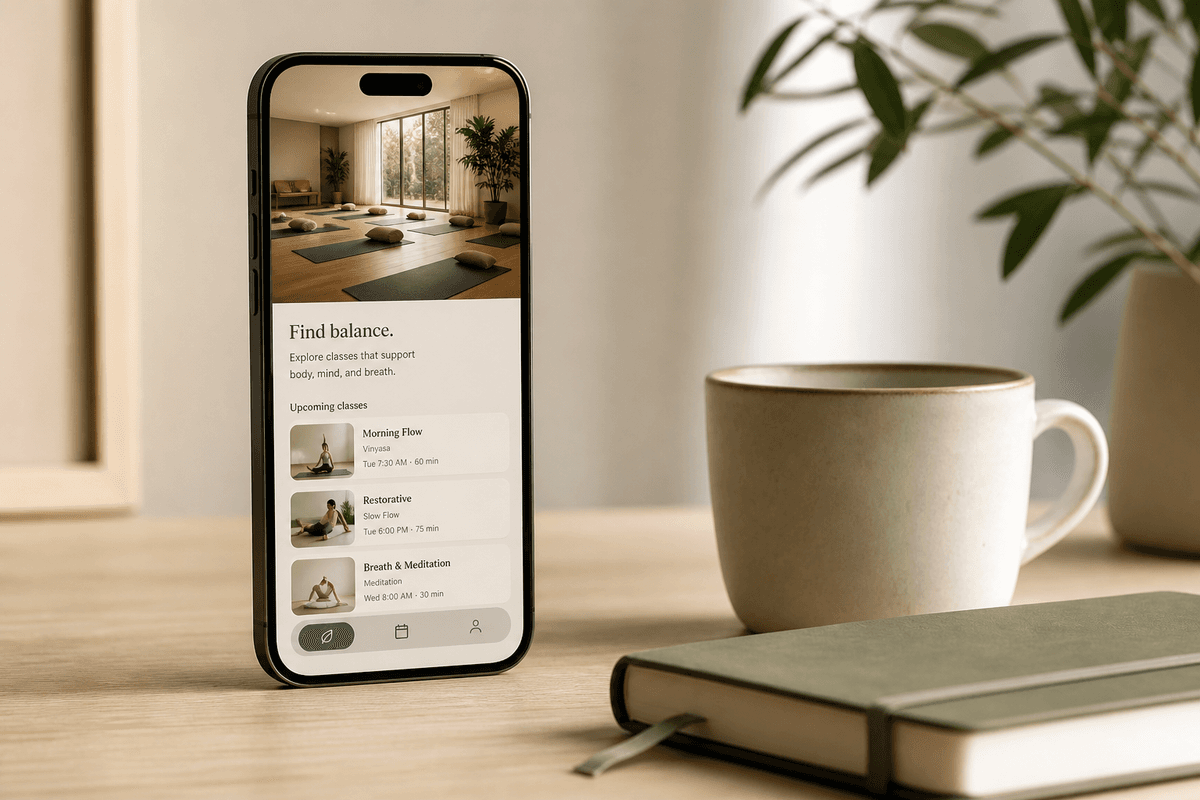
What an AI mobile UI/UX generator should produce
A useful generator is not a single pretty mockup. It is a small product: home, detail, checkout, profile, and the states between them. StoreShots Mobile UI plans those screens together, then generates each one on a live canvas so the visual language stays consistent.
The export is what makes it usable for development. Each screen can download as:
- A high-fidelity PNG render for reviews and store planning
- HTML and CSS for a web or hybrid prototype
- React components for a web app or Next.js shell
- React Native code for iOS and Android implementation
- A ZIP with images plus all three code targets
HTML, React, and React Native from the same screens
Engineering teams rarely want only a picture. They want a starting point that already encodes spacing, type, and component structure. Generating React Native UI alongside HTML and React means a designer, a web engineer, and a mobile engineer can work from one source instead of three redraws.
Treat the export as a strong first draft. You will still wire data, navigation, and auth. You will not start from an empty ScrollView and a moodboard.
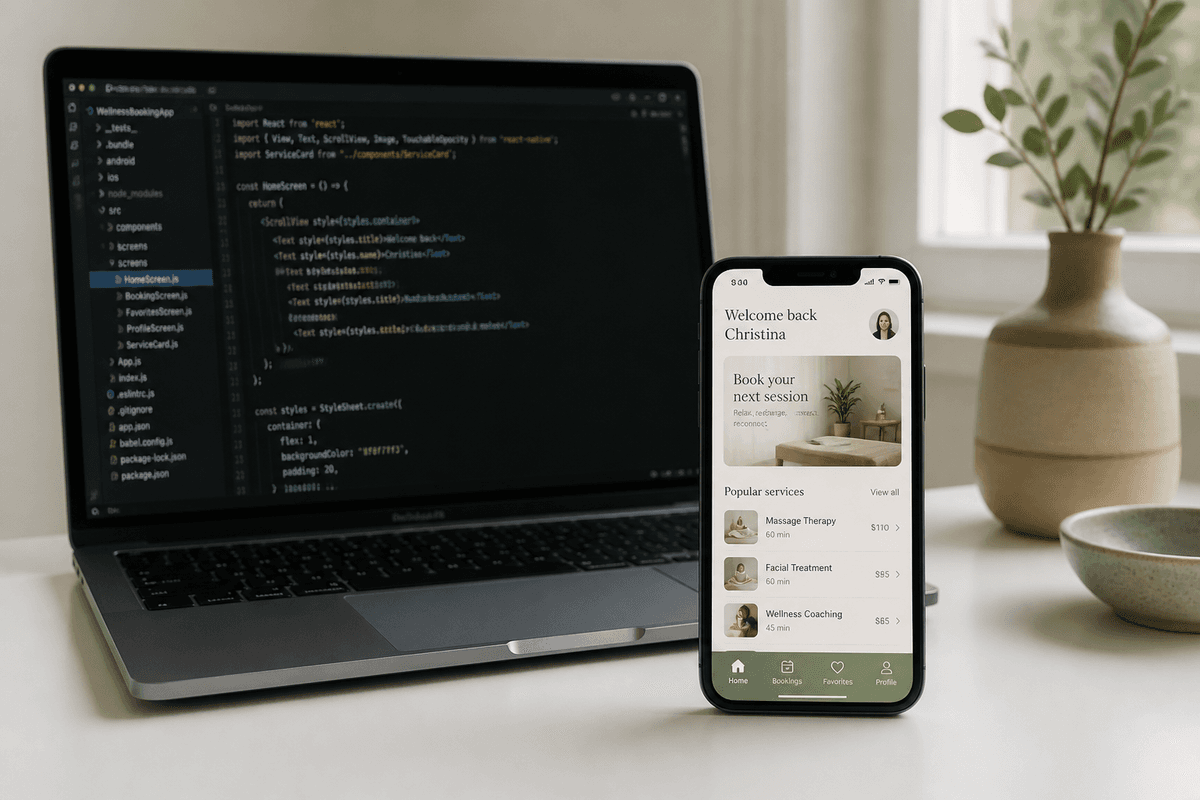
How StoreShots Mobile UI/UX works
Open the workspace, choose Mobile UI/UX, and describe the app in one short brief — for example a wellness booking product with discovery, class details, and checkout. Optional reference images help lock color and photography. StoreShots plans the screen set, opens the canvas, and lets you edit names and briefs before generation.
Credits are the same packs used for store screenshots: one credit per generated UI screen. Re-export of approved screens does not consume extra credits. See pricing and live samples.
Design a mobile UIOpen Mobile UI Studio and generate screens plus development code.- Write a product brief (and optional visual references)
- Review the connected screen plan
- Generate screens on the live canvas
- Revise individual screens in chat
- Export HTML, React, React Native, and PNG as a ZIP
When to use Mobile UI vs store screenshots
Use Mobile UI/UX when the app is not built yet, or when you need a multi-screen flow for engineering. Use StoreShots listing generation when you already have real in-app captures and need App Store 1290×2796 or Play Store 1080×1920 PNGs with ASO copy.
Many teams do both: design the UI, implement it, capture the real screens, then generate the store listing from those captures. One studio, one credit wallet.
FAQ
Questions about this topic
Does StoreShots AI generate React Native code?
Yes. Mobile UI/UX projects export HTML, React, and React Native for each generated screen, plus PNG renders, in a ZIP.
Is Mobile UI included in the same credit packs as store screenshots?
Yes. Starter is $10 for 25 credits and Studio is $18 for 50 credits. One credit generates one Mobile UI screen or one store screenshot slide.
Can I edit one screen without regenerating the whole app?
Yes. Chat-revise a single screen on the canvas. Other screens stay as they are.
Sources
Official references used
- React Native (Meta Open Source)
- React (Meta Open Source)
Continue
Choose the next step
Related