Creating app store screenshots used to mean a binary choice: hire a designer and wait days for revisions, or block off an afternoon in Figma hoping your typography instincts are better than they were last launch. In 2026 a third path is mainstream — AI app screenshot maker tools that ingest raw captures and output styled, copy-enriched, export-ready listing sets in minutes.
The question is no longer whether AI can produce screenshots. It clearly can. The better question is where AI beats human designers, where designers still win, and how smart teams combine both without overspending or shipping generic creative that fails conversion.
This comparison walks through real workflows, costs, quality trade-offs, and decision criteria so you can pick the right approach for your next App Store and Play Store refresh — including when StoreShots AI fits as your primary app store screenshot generator versus when to bring in a specialist.
The traditional designer workflow
A typical agency or freelance engagement starts with a brief: audience, key features, brand guidelines, competitor references, and store targets. The designer requests high-resolution captures or a TestFlight build, writes headline concepts, explores layout directions, presents two or three routes, incorporates feedback, prepares device frames and backgrounds, exports at 1290 × 2796 for iOS and 1080 × 1920 for Android, and delivers organized PNGs.
Quality can be excellent — custom illustration, nuanced art direction, and brand storytelling that no template reproduces. The constraints are time and money. First-time projects often run one to three weeks calendar time and hundreds to thousands of dollars depending on scope and revision rounds.
Every UI update restarts the clock. Changed a tab bar? New onboarding? Pricing restructure? You are back in revision emails. Teams that ship fortnightly feel this pain acutely.
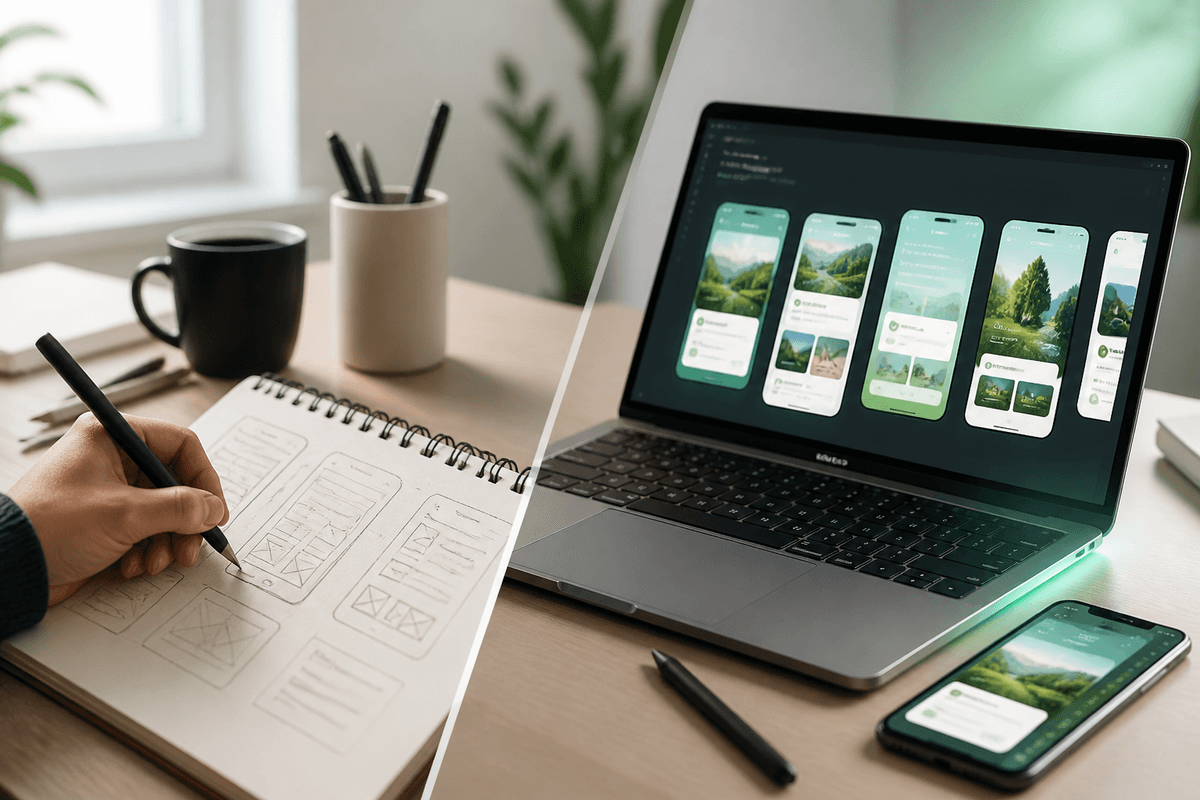
- Capture app screens on device or simulator
- Write marketing copy in a separate doc
- Explore layouts in Figma, Sketch, or Photoshop
- Apply backgrounds, device frames, and type systems
- Resize and export per store size class
- Upload to App Store Connect and Play Console
- Repeat after every material product change
Where manual workflows break down
Time consumption is the obvious tax. Even skilled designers spend hours on alignment, export variants, and locale adjustments. Founders doing it themselves often lose a full day per platform per language.
Design skill gaps matter too. Not every developer understands visual hierarchy, contrast for OLED screens, or how much copy survives App Store search thumbnails. Bad typography and cluttered slides hurt conversion even when the underlying app is strong.
Cost compounds with frequency. A one-time $800 screenshot pack feels reasonable; paying that quarterly because your product evolves quickly does not. Freelance scope creep — "just one more slide" — adds up silently.
- Manual resizing introduces blur and inconsistent margins
- Copy and layout live in separate files that drift apart
- Localization requires duplicate Figma files or fragile text overlays
- Version control for PNG exports is often "final_v7_REAL.png"
- Handoff delays block release trains waiting on creative
How AI screenshot generators work
Modern AI app screenshot maker platforms accept uploaded captures or simulator exports, analyze UI structure and app category context, and generate headline copy aligned with ASO best practices. They apply consistent backgrounds, device frames, and spacing, then export at store-required dimensions without manual math.
StoreShots AI follows this pattern: upload screens, describe your audience or value prop, generate a full carousel, chat-edit individual slides when messaging or UI shifts, and download App Store 1290×2796 or Play Store 1080×1920 PNGs from one project. Re-export after edits does not require rebuilding from scratch.
AI excels at repeatable production tasks — sizing, frame alignment, copy drafts, maintaining visual consistency across five to eight slides. It does not automatically replace strategic brand positioning or bespoke illustration unless you guide it carefully.
AI advantages: speed, cost, and iteration
Speed is the headline benefit. Workflows that took hours or days compress to minutes. Solo developers can refresh listings the same day they ship a feature — critical when launch windows and Apple feature submissions have hard deadlines.
Cost is lower and more predictable. Subscription or credit-based pricing for an app store screenshot generator typically runs orders of magnitude below repeated freelance engagements, especially when you iterate often.
Iteration friction drops. Need a new headline on slide three? Regenerate or chat-edit one slide instead of reopening a multi-layer Figma file. Localization becomes regenerating copy per locale rather than hand-placing translated strings.
Create screenshots with StoreShots AISee how fast AI generation fits your release cadence — start with your existing captures.Side-by-side comparison
Use this table as a starting point — your category, brand maturity, and release frequency tilt the answer.
- Time to first export — AI: minutes to an hour; Designer: days to weeks
- Cost per refresh — AI: low subscription or credits; Designer: hundreds+ per cycle
- Custom illustration — AI: limited unless combined with designer assets; Designer: strong
- Brand system complexity — AI: good for template-driven consistency; Designer: best for net-new identity
- Store export accuracy — AI: native 1290×2796 and 1080×1920; Designer: depends on discipline
- Localization scale — AI: regenerate headlines quickly; Designer: linear cost per locale
- UI update churn — AI: chat-edit single slides; Designer: revision rounds
- Conversion copy drafting — AI: strong first drafts; Designer: strong if ASO-aware
When designers still win
AI does not replace every creative need. Large enterprise rebrands with custom illustration systems, 3D mascots, or campaign-specific storytelling still benefit from senior art direction. If your marketing depends on unique visual language that competitors cannot mimic with the same tool, invest in humans for the concept phase.
Highly regulated categories sometimes require legal review of every visual claim — designers embedded in your compliance workflow may integrate smoother than AI-first drafts, though AI can still accelerate exploration.
Billboard-style launch campaigns that extend far beyond store carousels — TV, out-of-home, paid social — need unified systems designers build holistically. Store screenshots become one output of a broader brand package.
- Net-new brand identity from scratch
- Custom character illustration and mascots
- Multi-channel campaign creative beyond store listings
- Complex photo compositing or 3D renders
- Stakeholder workshops to define positioning before pixels
When AI is the smarter default
Indie developers, bootstrapped startups, and teams without in-house design should default to AI for routine ASO screenshots. You get store-ready output without learning Figma or negotiating rush fees.
High ship frequency makes AI nearly mandatory. If you release every two weeks, manual screenshot production becomes a bottleneck that guarantees stale listings.
Multi-locale apps gain disproportionate value. Regenerating localized headline sets beats maintaining twelve Figma variants. Pair with our localization guide for workflow detail.
Play Store and App Store parity from one tool matters when you maintain both listings. A play store screenshot generator that exports 1080×1920 alongside iOS sizes eliminates an entire class of resize bugs.
The hybrid workflow most teams should use
The emerging best practice is not AI instead of designers — it is AI then refine. Generate a complete baseline set with an AI app screenshot maker, validate slide order against conversion principles, chat-edit headlines for brand voice, and optionally hand one or two hero frames to a designer for illustration overlays.
Designers shift from production labor to art direction: picking the winning AI variant, adjusting accent colors to match an updated icon, or adding a campaign badge. Production exports still flow through the generator for correct dimensions.
This hybrid cuts calendar time by fifty to eighty percent while preserving brand where it matters. Enterprise teams use the same pattern — AI for velocity, humans for differentiation on slide one.
Create screenshots with StoreShots AIGenerate your baseline set, then refine — hybrid workflows start here.Quality concerns — and how to address them
Skeptics worry AI output looks generic. That risk is real if you accept the first generation blindly. Mitigate by feeding quality captures, specifying audience and tone, locking a cohesive background system, and editing copy so it reflects your positioning not category boilerplate.
Another concern is inaccurate UI representation. AI cannot show features you have not built — you supply captures. Always verify that every slide reflects shipping product; policy and refund issues follow misleading frames.
Typography and contrast still deserve a human glance. Run the squint test at thumbnail size before upload. If headlines fail, shorten them — AI gives drafts, you enforce standards.
Cost modeling for a year of releases
Imagine twelve releases per year needing screenshot touch-ups. Freelance at $600 per refresh totals $7,200 annually before rush fees or localization. An AI platform at typical pricing tiers often lands under a tenth of that with unlimited re-export on edited slides.
Designer spend is not wasted — redirect savings toward one strategic brand refresh or paid UA tests on alternate screenshot variants. Economic efficiency is about allocation, not eliminating design budgets entirely.
Opportunity cost matters too. Founder hours spent in Figma are hours not spent on product, support, or distribution. AI buys back focus.
Store export requirements both approaches must hit
Regardless of who — or what — produces your creative, technical gates are identical. App Store 6.7-inch portraits at 1290 × 2796. Play Store phone screenshots at 1080 × 1920. Google Play feature graphics at 1024 × 500 when used. PNG when gradients or text overlays need crisp edges.
Designers miss dimensions when busy; AI generators encode them by default. See how it works for StoreShots export behavior and our Play Store complete guide for Android-specific asset rules.
Incorrect sizes cause rejection or soft blur that screams low quality next to sharper competitors. Treat export specs as non-negotiable regardless of workflow choice.
Decision matrix: pick your path
Choose AI-first if you ship often, have limited design budget, need multiple locales, or want both iOS and Android exports from one project. Choose designer-first if you are establishing a distinctive visual brand, running large above-the-store campaigns, or need custom illustration that defines your category positioning.
Choose hybrid if you have some design capacity, care about brand polish, but refuse to let screenshot production block releases. Most growth-stage mobile teams land here by year two.
- AI-first — indie, startup, frequent releases, dual-store parity
- Designer-first — enterprise rebrand, illustration-heavy category, agency-led launch
- Hybrid — scale-ups refining AI baselines with selective human polish
- Manual DIY — only if you enjoy design and ship rarely (honest rarity)
Security, ownership, and who holds the source files
Designer engagements should clarify file ownership upfront — Figma links, font licenses, and whether you can self-serve edits after the contract ends. Some agencies retain editable sources unless you pay for handoff; others deliver PNGs only, locking you into repeat engagements for trivial headline tweaks.
AI platforms store projects in your account with re-export rights on edited slides. You still own your raw captures and exported PNGs. Review terms for data retention if screenshots contain unreleased product UI — most indie apps are low risk, but enterprise teams may have NDA constraints.
Neither path eliminates the need for accurate marketing claims. Designers and AI both require you to verify that screenshots reflect shipping features before upload.
Onboarding a new teammate or agency mid-stream
Hybrid workflows shine when roles change. A new marketer can chat-edit headlines in an existing StoreShots project without learning your Figma component library. A new designer can import AI exports as reference layers rather than blank canvases — cutting exploration time.
Document your slide order rationale in a one-page brief: hero outcome, workflow proof, differentiator, trust. Both humans and AI produce better output when they inherit strategy, not just assets.
The future: more automation, not less craft
AI screenshot tooling will keep improving: smarter locale-aware copy, tighter UI understanding, experiment variant generation, and integration with store analytics feedback loops. The production layer automates; taste and positioning stay human.
Designers who embrace AI handle more concurrent clients and focus on concepting. Developers who avoid design entirely still ship credible listings. The gap between "we have no creative" and "we have store-ready creative" collapsed.
Your competitive edge is not which tool you pick — it is how fast you align listing story with product reality when users compare you to five alternatives in search results.
Create screenshots with StoreShots AITry the AI-first path on your next release — upgrade to hybrid only if you need it.Final verdict
AI app screenshot generators are not better than designers at everything — they are better at production speed, cost predictability, localization scale, and store-accurate exports. Designers remain stronger for bespoke brand worlds and complex cross-channel creative.
For most teams shipping mobile apps in 2026, the rational default is an AI app screenshot maker with optional designer polish on hero assets. That is the workflow StoreShots AI enables: generate fast, edit surgically, export correctly, repeat every release without starting from blank canvas.
Stop asking whether AI replaces designers. Ask how many hours and dollars you save by letting AI handle production while humans handle taste. Then invest those savings in growth.
FAQ
Questions about this topic
Can an AI app screenshot generator replace a designer completely?
For routine App Store and Play Store listing production, often yes — especially for indie and startup teams. Custom brand illustration, large campaign creative, and complex visual systems still benefit from designers. Many teams use AI for 80% of production and designers for strategic polish.
Is AI screenshot quality good enough for the App Store?
Yes, when you start from sharp captures, edit headlines for accuracy, and export at 1290×2796. StoreShots AI produces store-ready PNGs with device frames and ASO copy. Review slides for policy compliance and UI truthfulness before submit — the same gate you'd use with designer output.
How much cheaper is AI vs hiring a designer?
Freelance screenshot projects often cost hundreds per refresh; AI tools typically cost far less per year via subscription or credits, with free re-export on edited slides. Exact savings depend on release frequency and locale count — frequent shippers see the largest gap.
Which is faster for updating screenshots after a UI change?
AI is usually faster: chat-edit or regenerate individual slides, re-export at correct dimensions in minutes. Designer workflows require briefing, scheduling, and revision rounds that stretch days or weeks.
Do AI tools handle Play Store and App Store sizes?
Quality tools do. StoreShots AI exports App Store at 1290×2796 and Play Store at 1080×1920 from one project, avoiding manual resize errors common in hybrid designer workflows.
What is the best hybrid workflow?
Generate a full baseline set with AI, validate slide order and copy, optionally send slide one to a designer for custom illustration, then export all sizes from the generator. Designers focus on direction; AI handles repetitive production.
Will AI screenshot tools improve further?
Yes. Expect better localization, variant generation for store experiments, and tighter integration with analytics feedback. Production automates; positioning and compliance review stay human.
Sources
Official references used
- Screenshot specifications (Apple App Store Connect Help)
- App Store product page (Apple Developer)
- Add preview assets: screenshots and graphics (Google Play Console Help)
- Store listing experiments (Google Play Console Help)
Continue
Choose the next step
Related