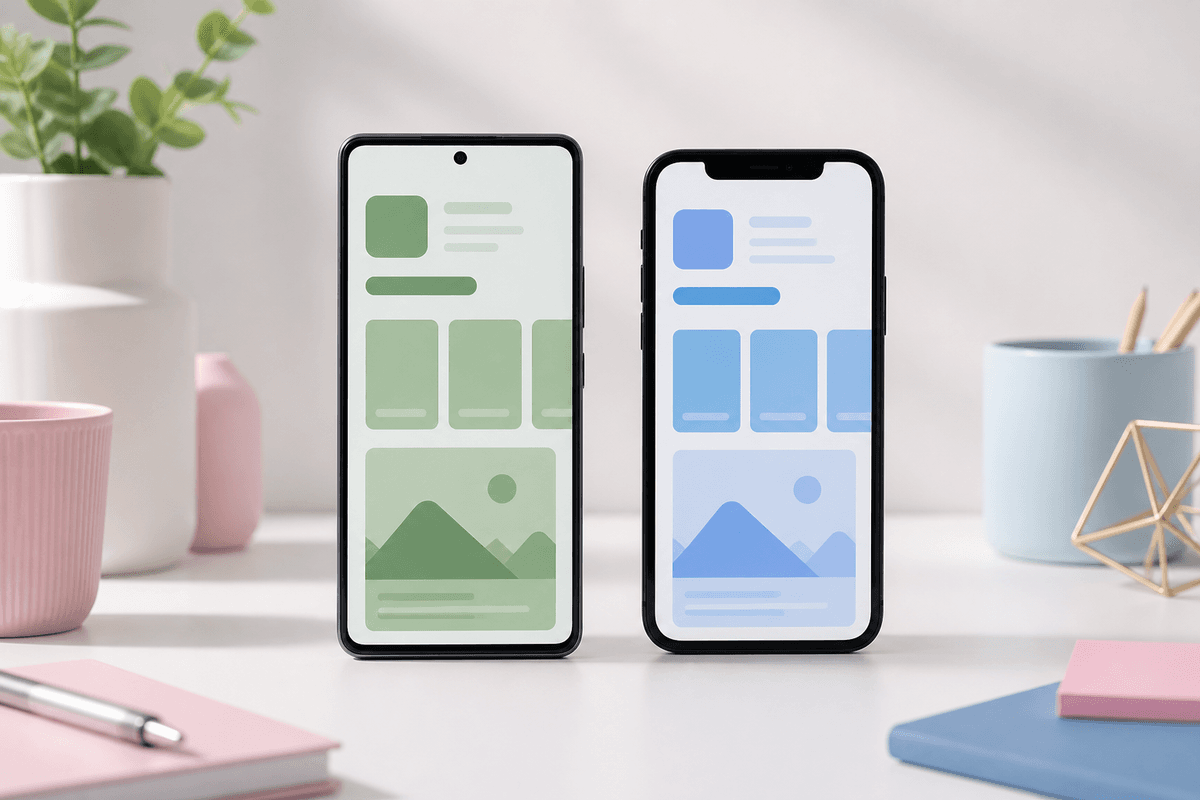
Play Store phone assets are 1080 × 1920; App Store 6.7" portraits are 1290 × 2796. The aspect ratios are close but not identical — reusing one export without adjustment can crop headlines.
The messaging strategy can stay the same: hero outcome first, proof second, depth third. Export separate size masters per store rather than stretching pixels.
Practical workflow
Upload the same raw in-app captures once. Generate a Play Store set and an App Store set from the same project. StoreShots AI handles store-specific export sizes so you are not maintaining two Figma files by hand.
Sources
Official references used
- Add preview assets: screenshots and graphics (Google Play Console Help)
- Store listing experiments (Google Play Console Help)
Continue