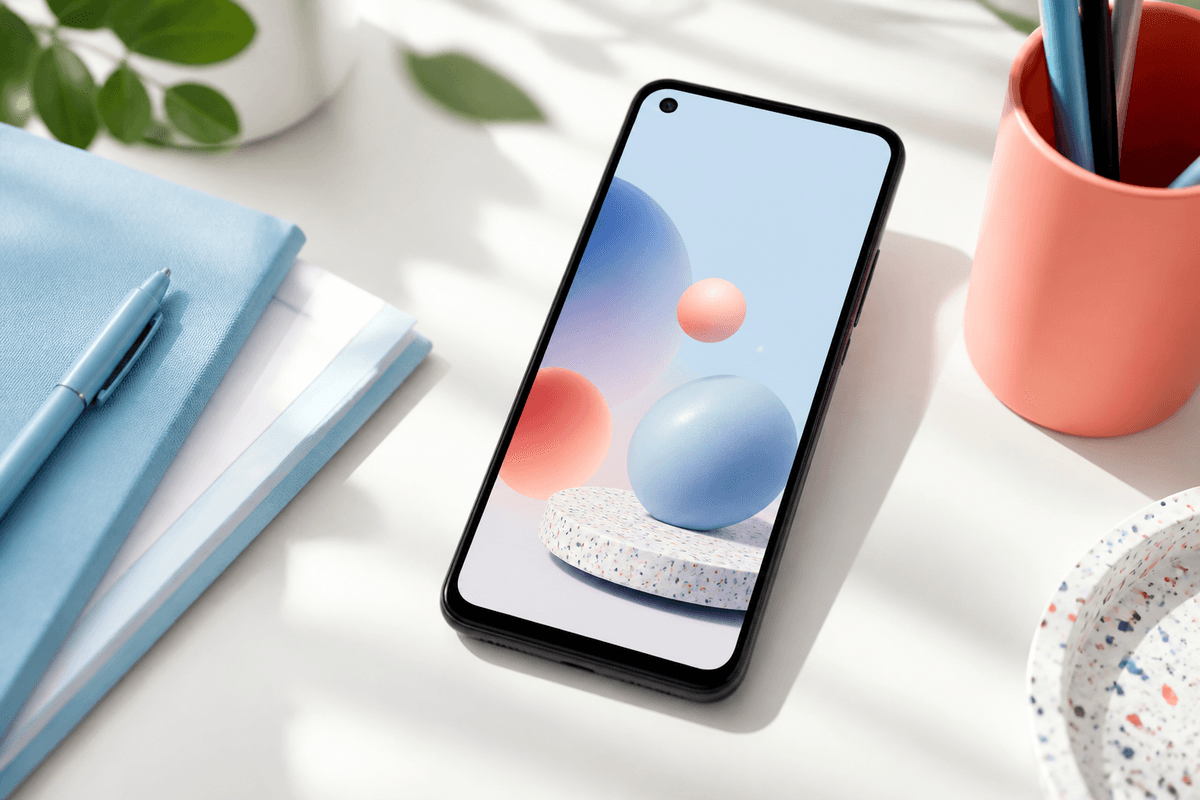
Google Play listings combine a 1024 × 500 feature graphic with up to eight phone screenshots at 1080 × 1920. They appear in different surfaces — the feature graphic often anchors the top of your store page while screenshots carry the detailed story in the carousel.
Teams that treat the feature graphic as a tiny poster and screenshots as proof convert better than teams that duplicate the same message in both places.
Feature graphic guidelines
- Size: 1024 × 500 px PNG or JPEG
- No excessive text — Play may reject graphics that look like banners
- Show brand mark + one visual hook, not a six-line paragraph
- Pull colors from your app icon for instant recognition
- Avoid critical detail near edges; safe margins help on varied devices
Phone screenshots (1080 × 1920)
Phone screenshots do the explanatory work: outcomes, workflows, proof. Keep slide one aligned with the feature graphic promise so users do not feel bait-and-switched when they scroll.
StoreShots AI generates portrait phone sets with device frames and ASO headlines from the same raw captures you use for iOS — export Play and App Store sizes from one project.
- First screenshot appears largest in search — treat it as your hero
- Up to eight phone screenshots per listing
- PNG preferred when gradients or type overlays are present
- Maintain one master aspect ratio; avoid upscaling small captures
Consistency checklist
- Match accent color between feature graphic and screenshot backgrounds
- Use the same tone of voice in feature graphic hook and slide-one headline
- Show real product UI in screenshots, not abstract illustrations alone
- Localize both asset types when you translate listing copy
FAQ
Questions about this topic
Can I use a screenshot as the feature graphic?
You can repurpose visual elements, but the feature graphic has a wide 1024 × 500 canvas. A cropped phone screenshot rarely fills it well — design a simple poster-style graphic instead.
Sources
Official references used
- Add preview assets: screenshots and graphics (Google Play Console Help)
- Store listing experiments (Google Play Console Help)
Continue
Choose the next step
Related