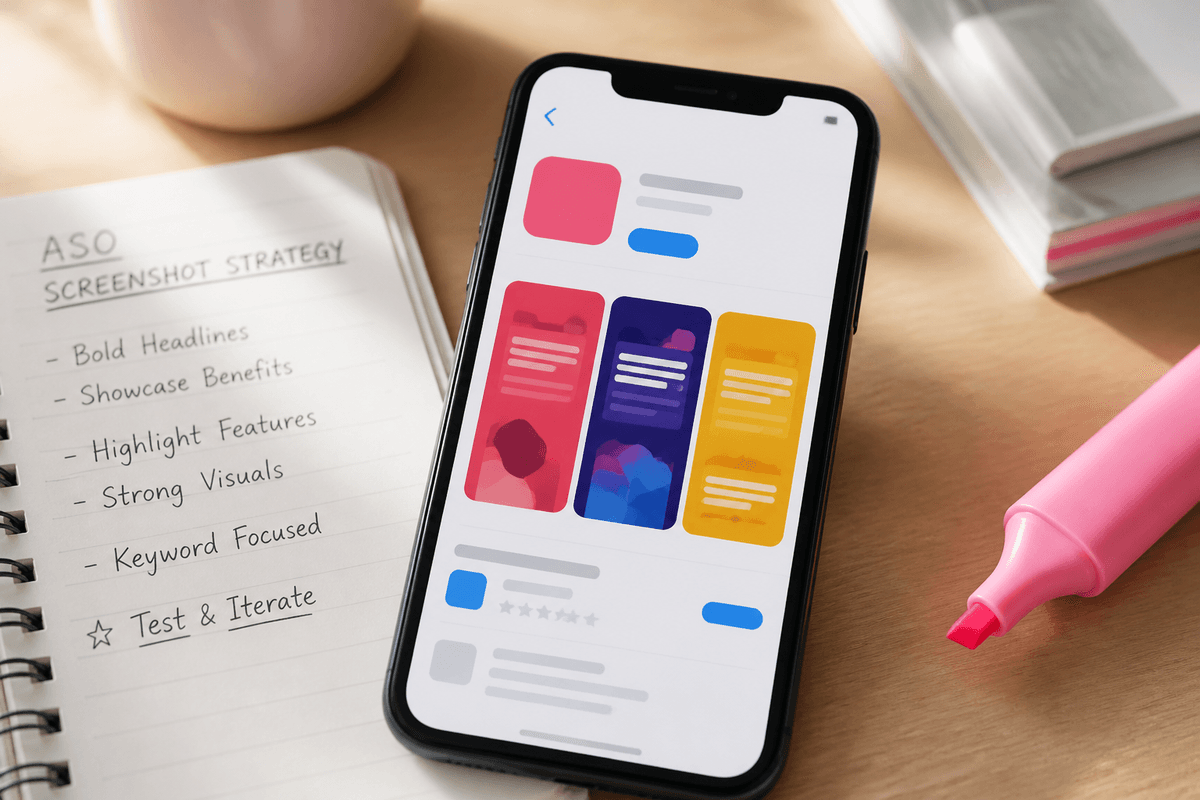
Screenshot copy is not body text — it is billboard copy. Users scroll fast. Each slide gets one idea: a outcome, a feature, or proof.
Strong headlines are short (roughly 4–7 words), start with a verb or outcome, and match what is visible in the UI below them.
A simple 5-slide narrative
- Hero: primary outcome ("Track spending in one tap")
- Workflow: show the main action
- Depth: secondary feature users care about
- Trust: reviews, numbers, or social proof if you have it
- CTA: what happens after install ("Start free today")
Mistakes to avoid
- Repeating the app name on every slide
- Burying the benefit below generic feature names
- Screenshots that do not match the headline story
- Tiny text that disappears on a 6" phone in search results
Sources
Official references used
- Screenshot specifications (Apple App Store Connect Help)
- App Store product page (Apple Developer)
Continue