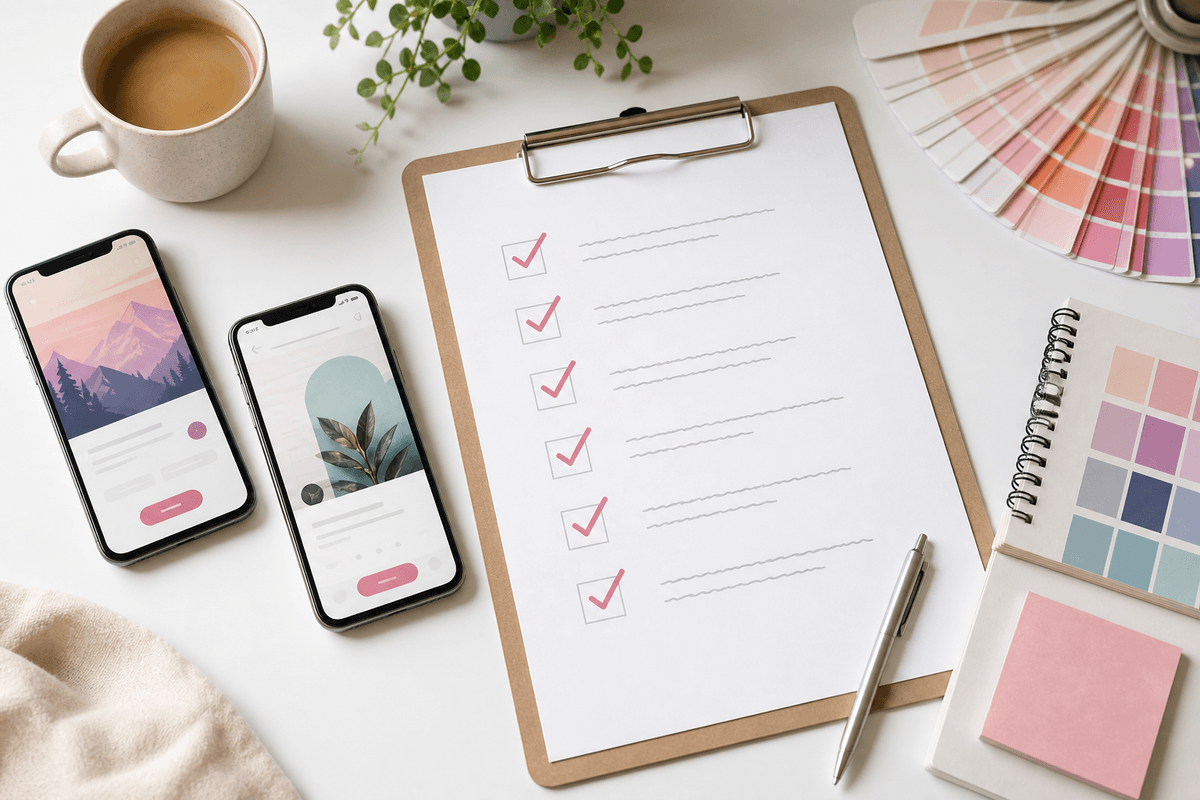
Great store screenshots feel cohesive: one background system, one type scale, one device frame style. Random per-slide styling reads as unfinished even when the UI captures are good.
Pull accent colors from your app icon or primary button color. Use soft gradients or subtle patterns — not flat gray — so slides feel intentional in the store carousel.
Hierarchy checklist
- Headline largest, subtext optional and shorter
- Device mockup centered or rule-of-thirds aligned
- Enough padding so UI is not clipped at carousel edges
- Same corner radius and shadow on every frame
Sources
Official references used
- Screenshot specifications (Apple App Store Connect Help)
- App Store product page (Apple Developer)
- Add preview assets: screenshots and graphics (Google Play Console Help)
- Store listing experiments (Google Play Console Help)
Continue