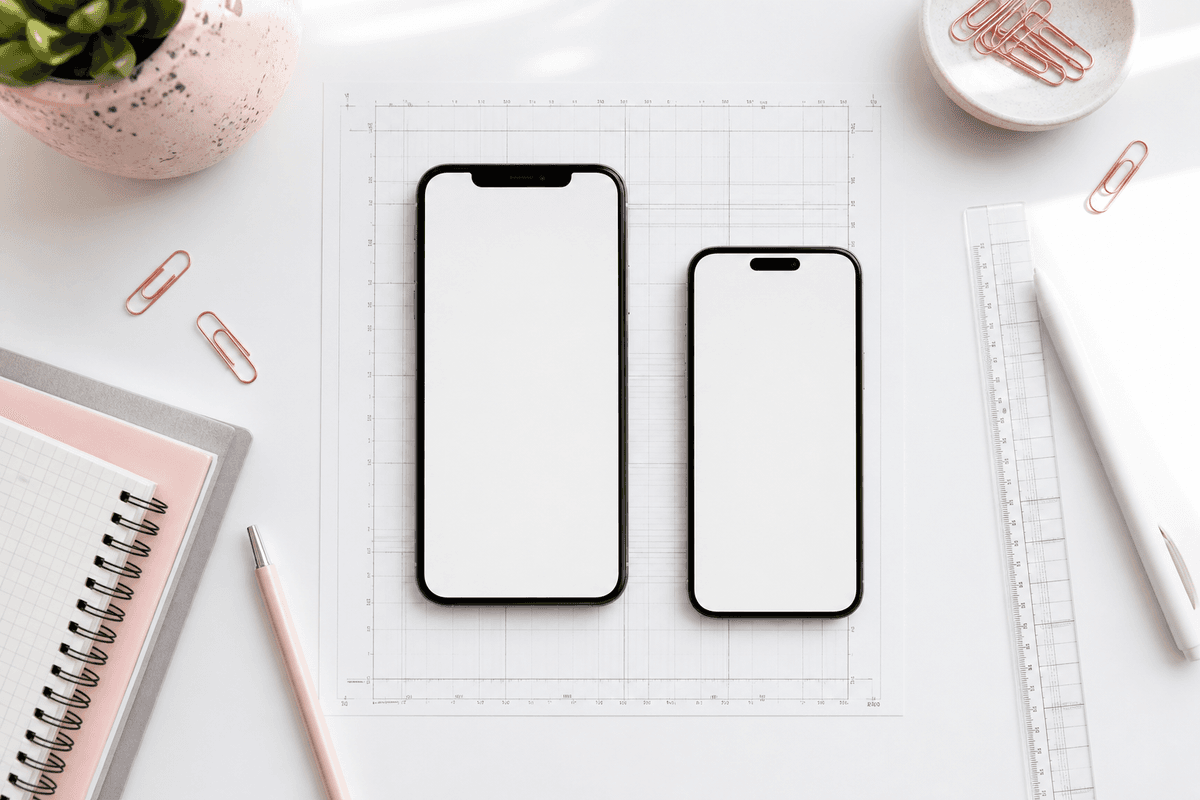
Your Play Store listing is often the first place a user decides whether to install. Screenshots do more heavy lifting than most teams expect — they explain the product faster than the description and set visual trust before the first tap.
Google Play expects phone screenshots in a portrait-friendly ratio. The safe production size most teams standardize on is 1080 × 1920 pixels (9:16). Staying consistent across every frame makes review, localization, and A/B tests much easier.
Recommended dimensions
For phone listings, export each screenshot at 1080 px wide by 1920 px tall. PNG or JPEG both work; PNG is better when you have gradients or text overlays.
If you upload mixed sizes, Play Console may crop or letterbox unpredictably. Build one master set at the target size instead of upscaling small captures.
- Phone: 1080 × 1920 (portrait, 9:16)
- Minimum short side: 320 px; maximum long side: 3840 px
- Up to 8 phone screenshots per listing
- First screenshot appears largest in search — treat slide #1 as your hero
What makes a strong Play Store set
Lead with your core value prop on slide one. Follow with proof: key workflows, social proof, or outcomes. Avoid tiny UI — crop and frame the device so text stays readable on a phone screen.
StoreShots AI generates every slide at export-ready Play Store dimensions from your raw app captures, with headlines and device frames applied consistently.
FAQ
Questions about this topic
Can I use landscape screenshots on Google Play?
Phone listings are portrait-first. Landscape assets are supported for other form factors, but your primary phone set should stay portrait for consistency.
Do screenshots need device frames?
Frames are optional but help users recognize real product UI. Consistent framing across the set looks more professional than raw full-bleed captures.
Sources
Official references used
- Add preview assets: screenshots and graphics (Google Play Console Help)
- Store listing experiments (Google Play Console Help)
Continue
Choose the next step
Related