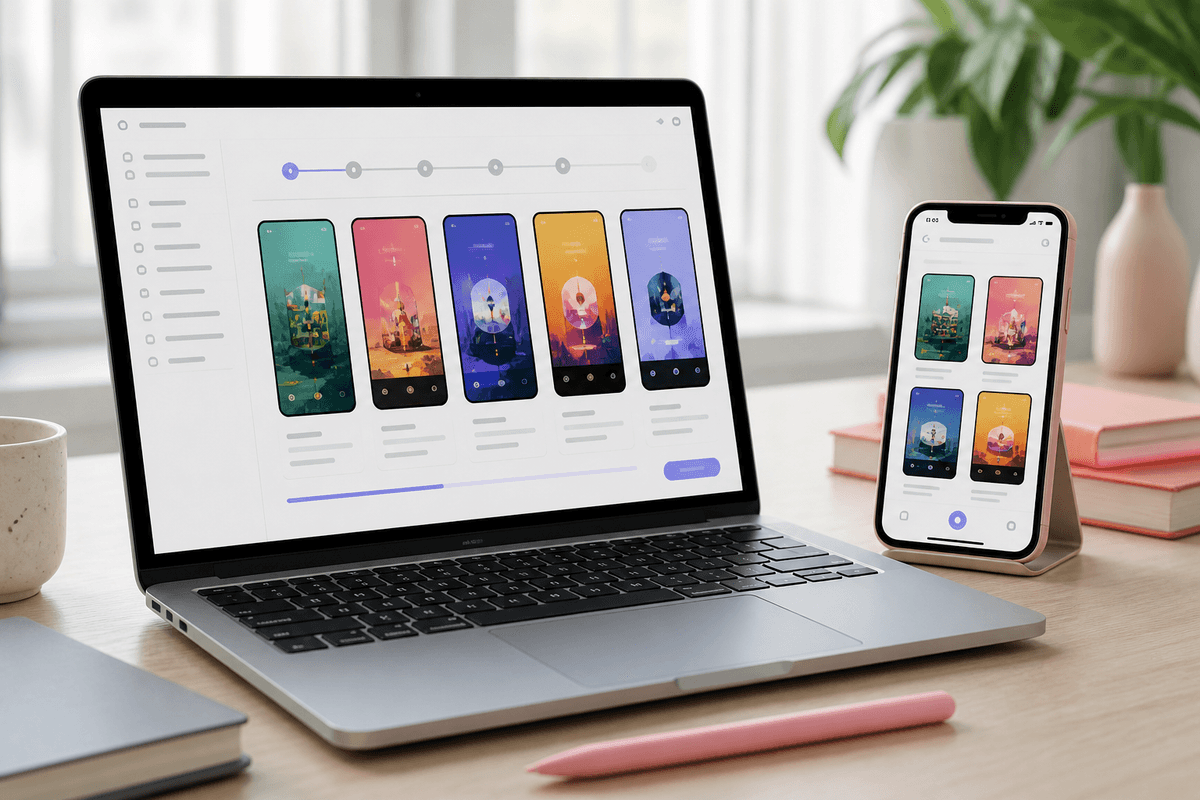
Most teams still rebuild store screenshots manually for every release: capture, Figma, resize, re-export, repeat for each locale. AI compresses the repetitive parts — layout, headlines, backgrounds, and store sizes — while you keep control of the story.
A practical flow: create a project, upload up to ten screens from one app, preview the hero frame, generate the full pack, chat-edit any single slide, then export PNG or ZIP at Play Store or App Store dimensions.
Credits and cost control
StoreShots AI charges one credit per generated final slide, half a credit for wizard previews, and one credit per slide revision. Re-exporting an already generated set is free — so iteration after the first generation does not burn extra credits on downloads.
Sources
Official references used
- Screenshot specifications (Apple App Store Connect Help)
- App Store product page (Apple Developer)
- Add preview assets: screenshots and graphics (Google Play Console Help)
- Store listing experiments (Google Play Console Help)
Continue
Choose the next step
Related