Transparent GIF loops
Animations export as transparent GIFs ready for onboarding screens, loading states, and success moments inside your app.
Mascot Studio
Describe a brand character once, branch into outfit and pose variants, then export smooth transparent GIF loops for onboarding, empty states, and in-app delight — all from one mascot tree.
StoreShots AI keeps store sizes, copy, and credits in one studio.
Animations export as transparent GIFs ready for onboarding screens, loading states, and success moments inside your app.
Variants and animations branch from the same parent image so colors, outfit, and style stay consistent across every asset.
A visual layer tree shows root, variants, and GIF branches — select any node to preview, download, or keep building.
1 credit = base mascot or variant · 2 credits = transparent GIF animation. The same Starter and Studio packs power screenshots, Mobile UI, and mascots.
Write a short brief or upload a reference photo. Pick anime, chibi, kawaii, plushie, doodle, cartoon, Pixar-style 3D, 3D render, or pixel art. Claude Opus 5.5 turns the brief into a character bible that keeps every variant and animation on-model.
Select a node in the layer tree and generate look, pose, or expression variants that keep the same character design.
Generate wave, idle, celebrate, or custom-motion GIFs. Download PNGs and GIFs individually or export everything in one ZIP.
An app mascot gives a product a face people remember. Used well, it turns the quiet moments of an app — the first launch, an empty list, a long upload, a finished goal — into moments that feel guided instead of blank. Language-learning, fitness, budgeting, and kids' apps lean on characters for exactly this reason: a friendly figure makes repetition and waiting feel lighter.
The hard part has never been the idea. It is producing a character that stays consistent across dozens of poses, expressions, and animations without hiring an illustrator and an animator for every new screen. StoreShots Mascot Studio is built around that consistency problem: every asset branches from the same parent image, so the character still looks like itself in its tenth variant.
Onboarding: a waving or pointing loop that introduces each step.
Empty states: an idle loop that softens “nothing here yet”.
Loading and progress: a short bounce while work happens in the background.
Success moments: a celebrate loop after a goal, purchase, or streak.
Store and marketing art: a still variant that matches your listing screenshots.
Mascot Studio starts with a root character: describe it in a short brief or upload a reference photo, then choose a style such as anime, chibi, kawaii, or a 3D render look. That root becomes the top of a visual tree.
Select any node to branch a look, pose, or expression variant. Because each new image is generated from its parent, colors, proportions, and outfit details carry through. Animations branch the same way: pick a node and generate a wave, idle, celebrate, bounce, or point loop, or describe a custom motion. You can download single PNGs and GIFs or export the whole tree as a ZIP with a manifest for your developers.
Transparent GIFs work almost everywhere — native iOS and Android image views, React Native, web pages, email, and design tools — with no runtime library. That makes them the fastest way to get character motion into an onboarding flow or an empty state.
Vector formats such as Lottie can be smaller and scale perfectly, and they are a good fit if a motion designer will hand-tune timing later. A practical path many teams take: validate the character and the moments that need motion with GIF loops first, then decide whether any of them deserve a hand-built vector animation.
Keep loops short and seamless so they do not distract from the task on screen.
Reserve the most energetic motion (celebrate) for genuine wins.
Test each loop on light and dark backgrounds before shipping.
Respect reduced-motion settings: show a still variant when users ask for less motion.
Mascots use the same one-time credit packs as store screenshots and Mobile UI — there is no separate subscription. A base mascot or a variant uses 1 credit, and a transparent GIF animation uses 2 credits. For example, one base character, four expression or pose variants, and three animation loops comes to 1 + 4 + 6 = 11 credits, well inside the Starter pack ($10 for 50 credits). Credits never expire. See pricing for current packs.
Pair the character with the rest of your launch: generate App Store screenshots and Play Store screenshots from real app screens, or design new flows with the AI mobile UI generator. For placement ideas, read the mascot GIF onboarding guide.
StoreShots exports mascot animations as transparent GIF loops — ready to drop into mobile apps, marketing sites, and onboarding flows.
Yes. Select a node in the mascot tree and generate look, pose, or expression variants. New assets branch from that parent image.
Yes. The same credit packs power mascots, store screenshots, and mobile UI. Base mascot and variants use 1 credit each. Transparent GIF animations use 2 credits.
Yes. Upload a reference image or describe the character in a short brief, then choose a style such as anime, chibi, kawaii, or a 3D render look. The generated base becomes the root of your mascot tree.
The base mascot is generated as a 1024×1024 PNG with a transparent download, which leaves room to scale it down for app icons, onboarding illustrations, and marketing art.
Built-in loops include wave, idle, celebrate, bounce, and point, and you can describe a custom motion. Each animation exports as a transparent GIF loop and uses 2 credits.
Yes. Download a still variant as a transparent PNG and place it in your listing art, or pair it with StoreShots App Store and Play Store screenshot packs so the character and the store story feel like one brand.
App mascot GIFs for onboarding
Where to use mascot loops in your product flow
AI mobile UI generator
Pair mascot motion with generated app screens
Mascot samples gallery
Real generated GIFs from StoreShots Mascot Studio
Mascot & GIF resource hub
Variants, motion, transparency, and handoff
AI Mobile UI & handoff hub
Explore product flows before store captures
StoreShots AI vs. storeshots.org
Brand disambiguation for generic StoreShots searches
Same credit packs as screenshots
No separate mascot subscription. Buy Starter or Studio once and spend credits across StoreShots listings, Mobile UI, and Mascot Studio.
Base mascot
1credit
Root character PNG with transparent download
Variant
1credit
Look, pose, or expression branch from any node
GIF animation
2credits
Smooth transparent loop for onboarding & in-app motion
Generated samples
These characters were generated in Mascot Studio — base PNGs, variants, and transparent animation loops.
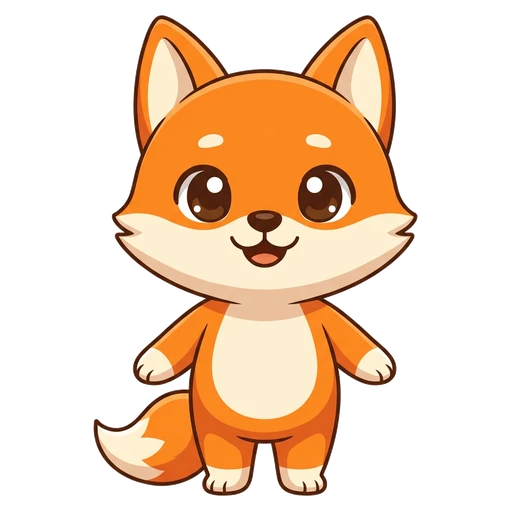
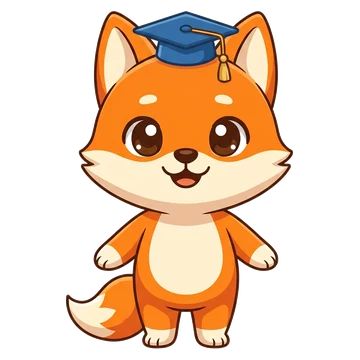
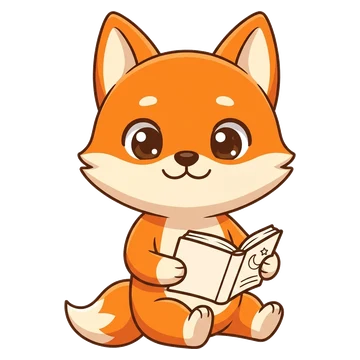
Pip the fox — language learning app
A chibi fox that waves on the welcome screen, cheers on a streak and thinks while the next lesson loads.
AI-animated loops
Root & variants
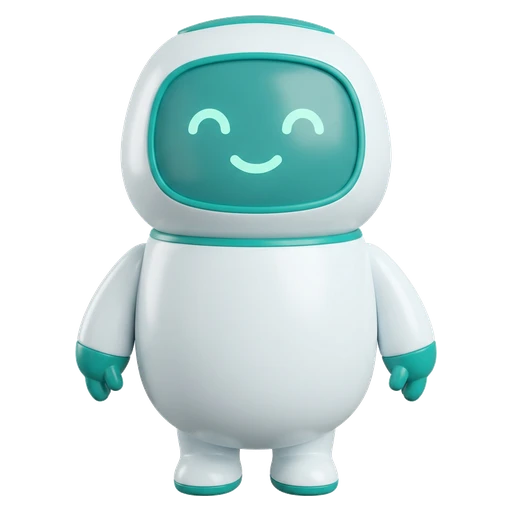
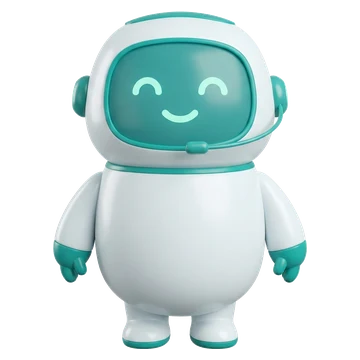
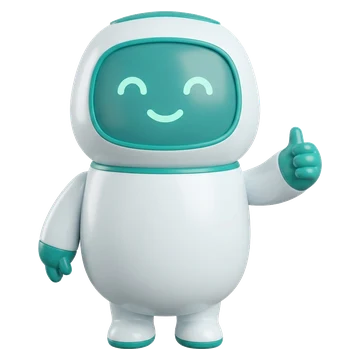
Bolt the robot — AI chat assistant
A glossy 3D robot that talks users through tips, thinks while the AI is working and waves hello.
AI-animated loops
Root & variants
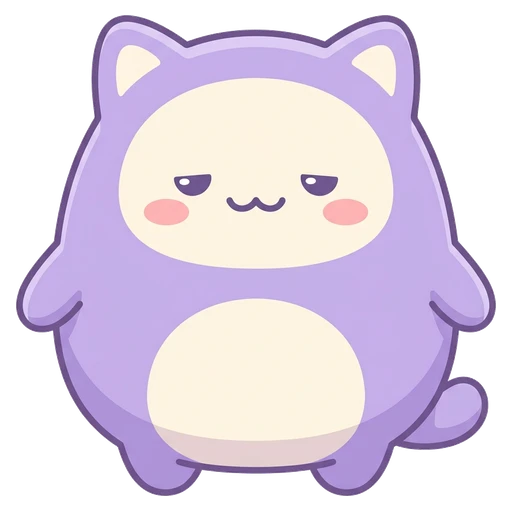
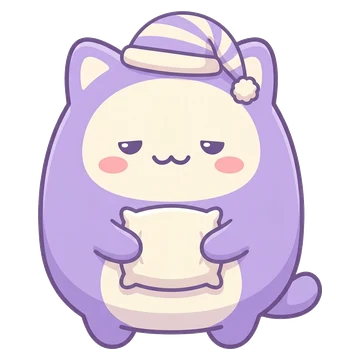
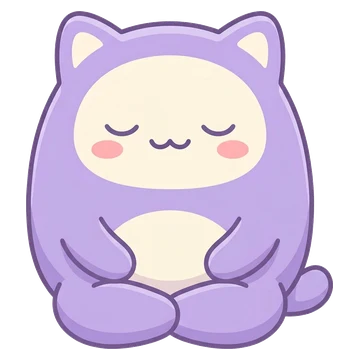
Mochi the cat — sleep & meditation app
A pastel kawaii cat that dozes off at bedtime, breathes calmly on idle screens and waves good morning.
AI-animated loops
Root & variants
Penny the piggy bank — personal finance app
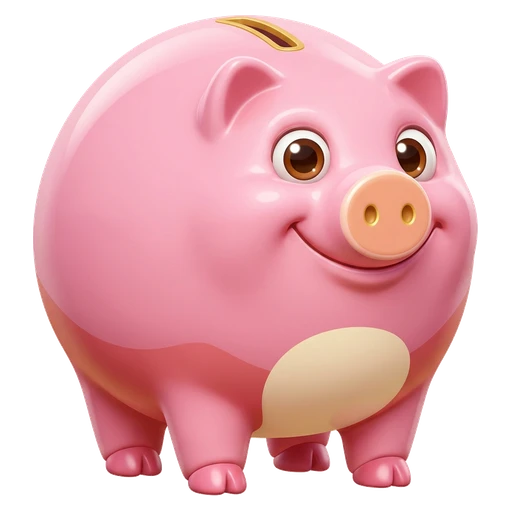
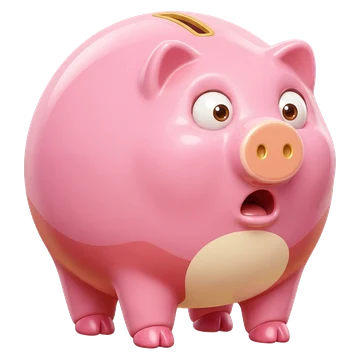
A 3D film-style piggy bank that celebrates savings goals, points at the next step and looks sad on an overspend alert.
AI-animated loops
Root & variants